Manual Check vs. Automatic Font Scanner: Which Is Safer?
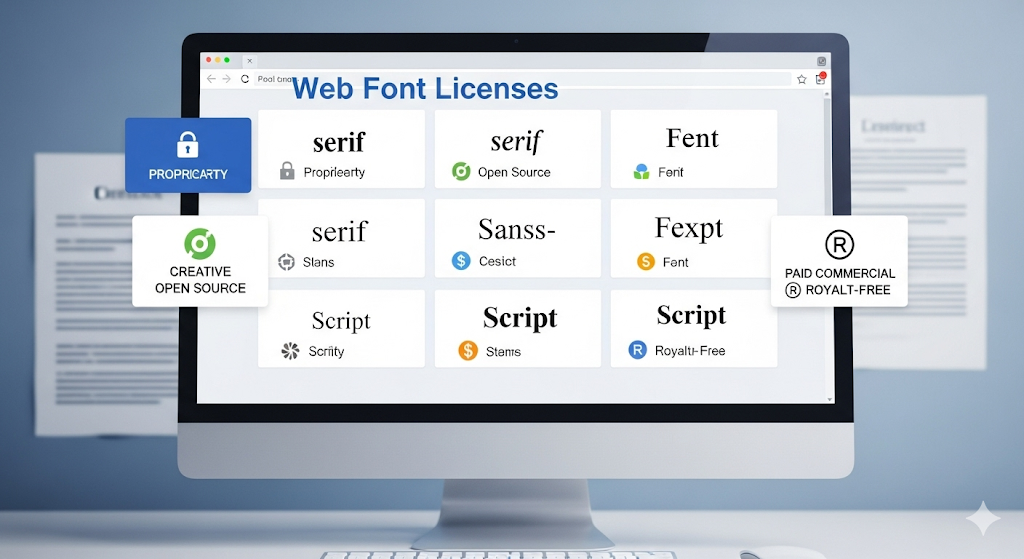
In the digital world, font usage is not just an aesthetic choice—it’s also a matter of license compliance and brand security. Every font used on your website or design must comply with its license terms. Otherwise, you risk damaging your brand reputation and facing costly legal issues. But how should this check be performed: manually or with an automatic font scanner?
Manual Checking
Manual checking means that designers or IT teams review each font individually and verify its license documentation.
Pros:
Allows for a deeper, case-by-case review.
Full control stays within your team.
Cons:
Extremely time-consuming, especially for large websites.
Prone to human error and misinterpretation.
Hard to sustain for projects with frequent updates.
Automatic Font Scanners
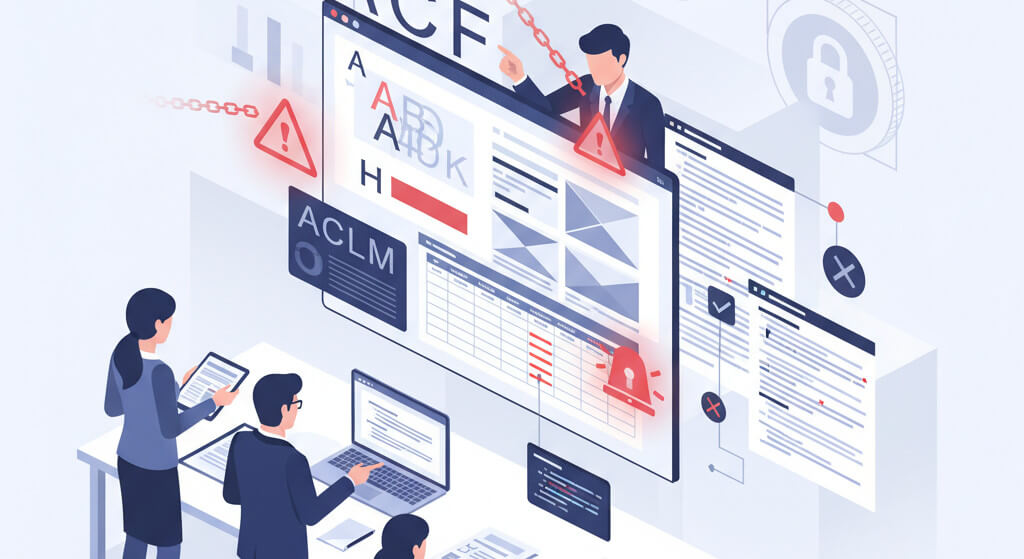
Automatic font scanners can analyze your website or server within minutes, detecting all font files and reporting license compliance.
Pros:
Fast and comprehensive scanning.
Minimizes human error.
Enables regular, ongoing monitoring.
Summarizes issues in a single report, saving time.
Cons:
May return false positives (e.g., with custom icon fonts).
Reliability depends on how updated and robust the tool is.
Which Is Safer?
For small projects, manual checks may be sufficient. But for medium to large-scale brands, the safest approach is automatic scanning because:
It analyzes all fonts at once,
Identifies potential license violations quickly,
Protects your brand reputation and budget from legal risks.
The most effective method is a hybrid approach: use an automatic scanner for initial detection, then verify the flagged results manually.
Font license compliance is an invisible yet critical layer of brand protection. Manual checking is detailed but slow and error-prone. Automatic font scanners provide a faster, safer, and more sustainable solution.
👉 If you want to simplify font compliance for your brand, try tools like FontCheckerPro, which can scan your website in under a minute.