A release is minutes away. The marketing site is built, the visual review is complete, and a designer has just added a trial font weight to the asset folder to fix one headline. Nobody updates the licensing spreadsheet. Nobody remembers whether staging and production use the same files. A repeatable API check is the only thing standing between that last-minute change and a licensing problem after deployment.
That's the practical use of REST API in a font-compliance workflow. The API connects design assets, build systems, scheduled monitoring, alerting, and legal records through predictable requests and structured responses. Instead of relying on tribal knowledge and manual handoffs, teams can make typography a queryable release condition.
This article treats font auditing as the running example. It also distinguishes web font licensing from desktop font licensing, because a font permitted for local design work might not be licensed for browser delivery. The discussion is informational, not legal advice. Your organization should confirm license terms with the rights holder or qualified counsel.
Why Teams Wire Font Audits Into an API
A developer finds an unexpected font file during the final build review. The filename looks familiar, but the weight came from a trial package rather than the approved production family. Manual review works only when design, engineering, and legal remember the same licensing history. That chain often breaks as files move through design tools, repositories, staging folders, and deployment artifacts.
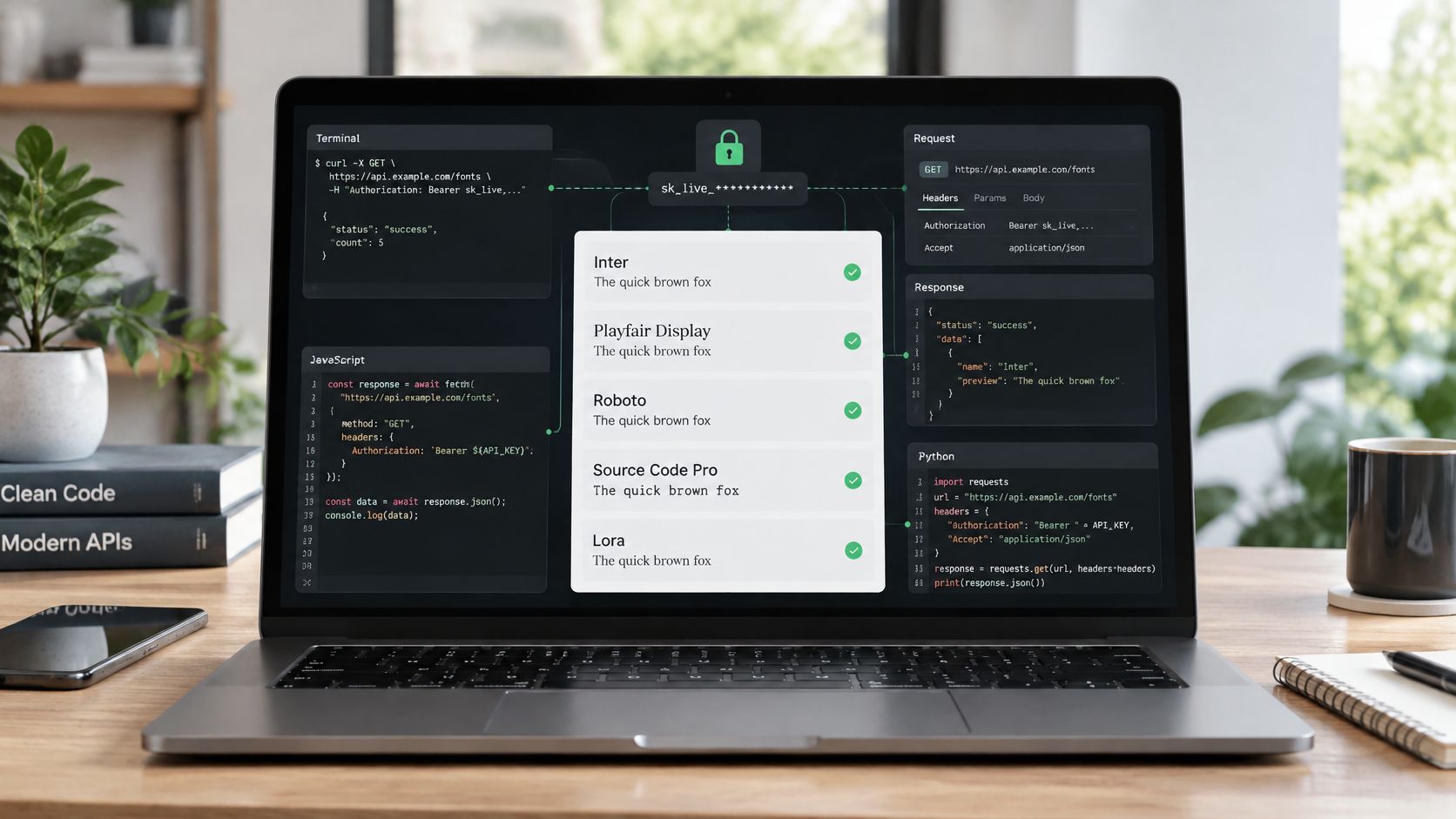
An API-driven audit puts a repeatable checkpoint in the build. The pipeline sends a project or upload reference to Font Checker Pro, receives a job identifier, and records structured findings. The response can identify the file, detected family, license status, and path through which the asset entered the build. A failed check can stop deployment before a public page serves the font.

Manual review breaks at handoff points
Spreadsheets provide useful evidence, but they do not enforce release conditions. They rarely detect when a file changed, whether a trial weight entered a bundle, or whether the recorded license covers browser delivery. They also depend on someone remembering to review the sheet before each release.
Desktop licenses typically cover local installation for work such as print layouts, presentations, mockups, and exported creative assets. Web licenses cover serving fonts to visitors through browser delivery, including CSS @font-face usage. A typeface can be approved for design work yet require separate permission for a live site. Teams should confirm the applicable terms with the rights holder or qualified counsel.
Practical rule: Treat every font file entering a production bundle as a new compliance event, even if the family name already appears in your records.
The API becomes the connective tissue
A REST interface gives the repository, build runner, scanning service, and compliance workflow a stable contract. The repository submits a scan, the service processes it, and downstream systems consume the report without relying on manual handoffs. Clear endpoint descriptions and request examples make implementation easier, especially for teams mastering OpenAPI for REST docs.
The hosting model also affects control over files, credentials, processing, and records. Teams deciding between deployment approaches can review self-hosted versus hosted font auditing before choosing where scans and reports should run.
The goal is consistent evidence, visible regressions, and one shared record for legal, engineering, and design. Automation does not decide the legal meaning of a license. It makes the relevant files, checks, and release history available before a problem reaches production.
How a REST API Actually Works for Font Scanning
A REST API is a predictable HTTP interface for working with resources. Your client sends a request to a URL, the server validates it and performs an operation, and the response returns structured data, commonly JSON. GET retrieves a resource, while POST submits work or creates a resource. For a font scan, the resource is usually an asynchronous job rather than an immediate report.
The flow can be simple:
- Submit the scan. Send a
POSTrequest with a project identifier and an upload reference. - Check progress. Use
GETwith the returned job identifier. - Retrieve findings. Use another
GETrequest after completion to obtain the report.

Read the request and response contract
A scan request needs more than a URL. The client should send an authorization header, an Accept header for the response format, and a JSON body containing the project or upload reference. A representative shape looks like this:
POST /api/scans
Content-Type: application/json
Accept: application/json
{ "project_key": "marketing-site", "upload_ref": "build-assets" }
The server might acknowledge the work with a job identifier and a processing state. A client shouldn't assume the scan is complete just because the request succeeded. It should inspect the status code, parse the response body, and follow the documented status endpoint.
Make status handling explicit
A successful submission can mean “accepted for processing,” not “all fonts are cleared.” The polling client should handle a pending state, a completed state, and a failed state. Once complete, the findings response might contain fields such as font_family, asset_path, license_status, and severity.
The same discipline applies to errors. A malformed body should produce a validation response that the client can report clearly. An expired or invalid credential should stop the job without exposing secrets in logs. A rate-limit response should trigger controlled backoff rather than an immediate storm of retries.
REST's value here is operational clarity. Each request has a purpose, each response has a machine-readable shape, and the pipeline can make a decision without scraping a dashboard.
Core Font Checker Pro Endpoints You Will Use First
Start with the smallest useful chain: scan, report, and schedule. The scan endpoint starts work, the report endpoint turns completed work into evidence, and the schedule endpoint keeps the check running after the initial integration.
| Endpoint | Method | Purpose | Key Response |
|---|---|---|---|
/scans |
POST |
Submit a project key or upload reference for analysis | Job identifier and findings preview |
/reports |
GET |
Retrieve completed results with filters | Paginated JSON with severity, family, and license fields |
/schedules |
POST |
Register recurring project scans | Schedule identifier, cadence, and trigger state |
Start with the scan endpoint
Call the scan endpoint in a pre-commit or pre-build path when the asset set is available. The request should identify the project and the exact upload or directory reference being evaluated. The returned job identifier becomes the correlation key for later status checks, logs, alerts, and exported records.
A findings preview is useful for quick feedback, but don't treat it as the complete audit record. The preview can tell a developer that a font needs attention. The report call should remain the authoritative source for the full result.
Pull a filtered report
After the job completes, call the report endpoint with filters for severity, font family, or license status. Filtering keeps a developer focused on blocking findings while allowing legal or operations teams to request a broader catalog. Paginated JSON is preferable to a single oversized response because downstream consumers can process results incrementally.
For file-level inspection before submission, teams can also use Font Checker Pro's font file analysis workflow to examine the asset itself and reconcile the result with the project record.
Register recurring coverage
The schedule endpoint is for work that shouldn't depend on a release. Register a recurring scan for a project, specify the cadence and trigger conditions, and store the schedule identifier with the project metadata. This catches drift, renewal issues, and changes made outside the normal deployment path.
A useful sequence is simple: submit a scan, persist the job identifier, retrieve the completed report, then create or update a schedule. Keep those identifiers in your audit records so a later reviewer can connect a finding to the exact project and run that produced it.
Scheduled Scans Versus On-Demand Scans
A release candidate can pass code review and still contain an unapproved font file. An on-demand scan checks the exact artifact about to ship. A scheduled scan checks whether the approved typography baseline has changed since its last review.
Use on-demand requests in build, pull request, or release workflows. They can catch a trial weight or unapproved asset while the change is still easy to remove. Use scheduled requests for renewal dates, recurring reviews, and drift across sites or asset repositories.
| Dimension | Scheduled Scans | On-Demand Scans |
|---|---|---|
| Primary purpose | Maintain a compliance baseline | Block a release regression |
| Best trigger | Calendar cadence or policy event | Build, pull request, or deployment candidate |
| Coverage | Whole project or estate | Specific artifact or changed asset set |
| Typical consumer | Legal, operations, compliance | Engineering and release owners |
| Failure response | Alert, ticket, or review queue | Non-zero CI result and deployment stop |
| Operational concern | Avoid duplicate runs and missed schedules | Keep feedback fast and tied to the build |
Pair the two patterns
A dependable font-compliance workflow uses both scan types and assigns each a clear job. The scheduled process gives legal and operations teams a durable record of the environment. The on-demand process gives developers immediate feedback before deployment.
Bulk review fits projects with many assets or several repositories. A workflow using bulk font analysis can send collection-level findings into the same reporting and remediation process, as long as each result retains its project, asset, and run identifiers.
Store those identifiers with the build or schedule record. A later reviewer should be able to connect a finding to the exact project, artifact, and scan that produced it.
Design for delayed and rejected requests
A scan can run asynchronously, so record the initial response as a job reference, not as a completed result. Poll the job endpoint at a controlled interval, stop when the service reports a documented failure state, and retain the last response for diagnosis.
REST APIs commonly cap page sizes and return 429 rate-limit responses with retry guidance. Clients should request pages incrementally, respect backoff headers, and avoid fetching an entire catalog in one burst. Pagination also keeps scheduled jobs from creating unnecessary load when a project contains many assets.
If a scheduled request receives 429, apply the server's retry guidance and preserve the schedule event. Alert after the retry policy is exhausted, rather than treating the first rejection as a missing audit. A dropped scan otherwise creates a false sense of coverage.
Wiring Alerts and CI Checks Around the API
An API becomes operational when its responses trigger action. For a font audit, that usually means a scan-complete webhook, a notification route, and a CI decision that treats a prohibited license status as a failed check.
Start with the webhook. The handler should verify the event, extract the job identifier, retrieve the report if the event contains only a reference, and normalize the result into a small internal shape:
{ "project": "marketing-site", "font_family": "Example Sans", "license_status": "review", "asset_path": "assets/fonts/example.woff2" }
From there, send the relevant fields to the team's chat channel or email relay. Keep the message actionable. A designer needs the family and file path. Legal needs the license status and evidence link. Engineering needs the job identifier and the build that introduced the asset.
Make the CI gate deterministic
The CI script should return a non-zero exit status when any finding violates the project policy. Don't fail on every informational warning if the team hasn't agreed that warnings block deployment. Define the policy in configuration, then make the script enforce that policy consistently across repositories.
A minimal workflow shape looks like this:
- name: Scan font assets
run: ./scripts/font-scan --project marketing-site --upload "$BUILD_ASSETS"
- name: Enforce font policy
run: ./scripts/check-font-report --fail-on unlicensed,expired,trial
The script can submit the scan, poll until completion, fetch the report, and print the offending files. A pull request comment should include the asset path and remediation state, but it shouldn't expose access tokens or unfiltered payloads.
Keep alerts useful
Alert fatigue weakens compliance. Send a new alert when a scan finds a new violation, when a known issue changes severity, or when a scheduled check fails after its retry policy. Group repeated findings by project and family rather than sending one message per file.
For a practical detection workflow that starts with the live site rather than the repository, see how to detect font license violations on a website. The same principle applies to CI: identify the exact file, state the reason for the failure, and route the result to the person who can correct it.
Exporting Reports for Legal, Ops, and Engineering
One scan can serve several audiences, but one output format rarely serves them all. Legal needs readable evidence, operations needs sortable records, and engineering needs structured data that can flow into other systems.

Match the format to the consumer
A signed PDF works well for a human review. It can include font names, license terms, project identity, findings, and a timestamp in a document that legal or compliance staff can retain. It's less convenient for remediation because engineers still need to locate the original file and translate the finding into a code change.
CSV is the practical operations format. A team can filter by site, owner, deployment state, or license status and add internal review columns without changing the source report. It's easy to archive, but it can lose nested relationships and detailed metadata if the export is too aggressively flattened.
JSON is the engineering format. It preserves paths, finding attributes, job metadata, and machine-readable states for dashboards or data pipelines. It's excellent for automation and awkward for a person who wants to understand whether a project is cleared.
A report request might select the representation explicitly:
GET /api/reports/{job_id}?format=pdf
GET /api/reports/{job_id}?format=csv
GET /api/reports/{job_id}?format=json
The response should return the corresponding content type and a stable filename. Store the project, scan date, job identifier, and format in the filename or adjacent metadata so retention systems can locate the record later. Large catalogs should remain paginated for JSON and CSV consumers.
A raw JSON dump is a transport format, not automatically an audit document. Give each reviewer the shape that supports their decision.
Beyond Authentication With Authorization and Audit Trails
An API key shows that a caller has a secret. It does not define which production projects that caller may scan, which records they may export, or whether they may change schedules. Authentication identifies the caller. Authorization limits what that caller can do.
For a font-compliance pipeline, scope tokens to the projects or asset roots they require. A build token can submit scans and read findings for one project. A compliance token can retrieve reports across a wider portfolio. A schedule-management token should not gain permission to alter unrelated projects.
Keep permissions narrow enough to match the job. That reduces the impact of a leaked token and makes audit review easier.
An audit trail records the evidence around each action: who triggered a scan, when it ran, which project and files it covered, which policy version evaluated the findings, and whether the result blocked deployment. Teams creating a defensible operational record can review audit trail management with Server Scheduler. For the underlying purpose of this record, see what an audit trail is and what it's for.
Make retries safe
Submitting a scan changes server state. If the network times out after the server accepts POST /scans, repeating the request can create duplicate jobs or compliance records. Send a unique Idempotency-Key header with the request. The server stores the first result and returns it on a retry instead of creating another job.
Connect that key to the job identifier and final report in the audit trail. This lets engineers distinguish a genuine second scan from a network retry and gives compliance staff a clear action history.
Authentication is the door lock. Authorization determines which rooms a caller may enter, while the audit log records what happened inside.
A Simple Blueprint to Start Using the API This Week
You don't need a platform-wide rewrite. Start with one staging asset directory and one project, then make the result visible to the people who own the risk.
Establish a read-only baseline. Create a read-only token, submit a staging scan, and confirm the response shape. Store the job identifier and report response as test fixtures so future API changes are detectable.
Add one blocking check. Wrap the scan in a small script that exits non-zero when the project policy finds an unlicensed, expired, or trial font. Make it required in one pipeline before expanding coverage.
Add recurring review. Register a weekly full-site schedule and retain the JSON output with the project's compliance records. Keep the schedule identifier and last successful run visible to the owner.
Route human notifications. Send a concise summary to a design or engineering channel, then deliver an email digest to the design lead or compliance contact. Include the project, finding status, asset path, and remediation owner.
Export for retention. Give legal a PDF, operations a CSV, and engineering the JSON used by the gate. Access control matters at this stage, so teams reviewing an authentication platform should still map its identity controls to the API's project-level permissions.
Font Checker Pro offers live URL, PDF, image, and zipped font-set scans, with exportable PDF, CSV, and JSON reports, recurring scans, alerts, and REST API access on paid plans. Visit Font Checker Pro to connect font detection and licensing evidence to your build, monitoring, and compliance workflow before the next release.