Is Google Fonts Really Free? Hidden Risks
Google Fonts has become one of the most widely used font libraries in the world, powering millions of websites and design projects. With its “free” label, most users assume they can simply download and use it without worry. But is Google Fonts really free? Or could you be exposing your brand to hidden legal and technical risks without realizing it?
Why Is Google Fonts Free?
All fonts in Google Fonts are distributed under open-source licenses. The most common is the SIL Open Font License (OFL), but some fonts use the Apache License or the Ubuntu Font License.
What this means for you:
You can use Google Fonts in both personal and commercial projects free of charge.
You may redistribute and integrate them into products, as long as you comply with the license terms.
You can modify fonts or create derivatives, though certain restrictions apply (e.g., renaming).
Google’s business model: By offering these fonts at no cost, Google strengthens open web standards, builds a massive user base, and reinforces its broader ecosystem.
Benefits of Google Fonts
Wide selection: Hundreds of font families across serif, sans-serif, script, and display styles.
Easy integration: Add fonts via Google Fonts API or a simple CSS snippet.
Language support: Families like Noto support over 1,000 languages and 150 writing systems.
Flexibility: Fonts can be used in logos, print, apps, e-books, and digital products.
Creative freedom: Designers can adjust weight, slant, spacing, and more.
Hidden Risks
1. Misunderstanding License Terms
Even “free” fonts have rules.
You cannot sell a Google Font by itself.
You cannot rename the font to cause confusion.
Some licenses restrict usage in logos or registered trademarks.
2. Loss of Brand Uniqueness
Since Google Fonts is free and widely accessible, popular fonts are everywhere.
Roboto, Open Sans, and Montserrat appear on hundreds of thousands of sites.
This overuse can make your brand feel less distinctive.
3. GDPR and Privacy Issues
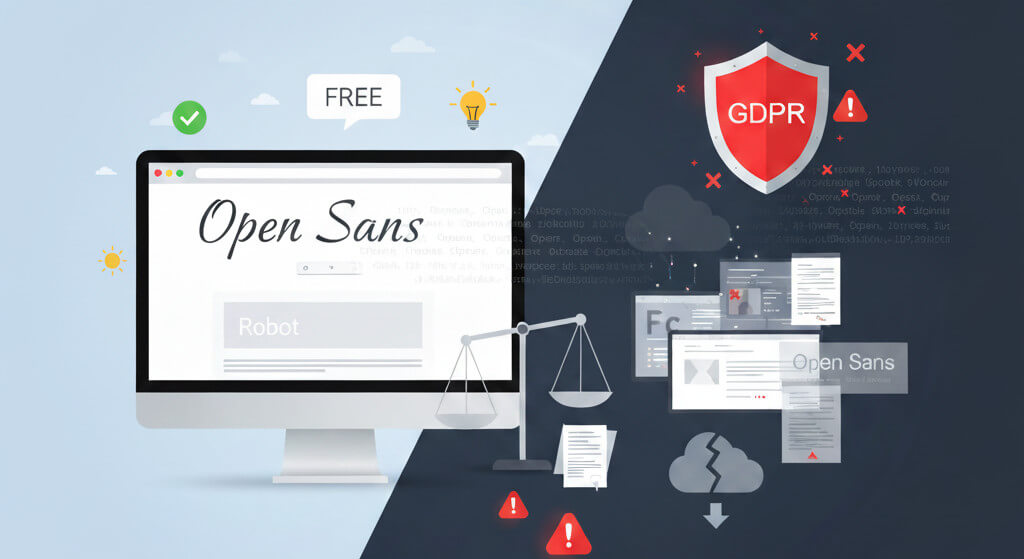
When fonts are served directly from Google’s servers, visitors’ IP addresses are transmitted to Google.
In the EU, this is considered a GDPR violation.
Several German websites have already been fined.
Solution: Host Google Fonts locally on your own server.
4. Performance Risks
Temporary outages on Google’s servers can slow down your site.
Updates to fonts may cause subtle design inconsistencies if characters or glyphs change.
Solutions for WordPress Users
Method 1: Host Google Fonts Locally
Install the OMGF (Optimize My Google Fonts) plugin.
It automatically downloads fonts to your site and serves them from your own server.
Result: GDPR compliance, faster performance, no reliance on Google servers.
Method 2: Disable Google Fonts Entirely
Use the Disable and Remove Google Fonts plugin.
It replaces all Google Fonts in your theme and plugins with system fonts.
Result: Simpler typography, faster load times, full privacy compliance.
SEO and User Experience Impacts
Loading speed: Optimized font hosting improves site performance, which boosts search rankings.
Cross-device consistency: W3C-compliant fonts render smoothly across browsers and devices.
Readability: The right font enhances usability, keeping visitors engaged longer.
Yes, Google Fonts is free. But “free” does not mean risk-free. Misinterpreting licenses, overusing popular fonts, GDPR violations, or performance issues can undermine your brand’s identity and even expose you to legal action.
Protect your brand’s typography, ensure compliance, and eliminate hidden risks with FontCheckerPro.com.