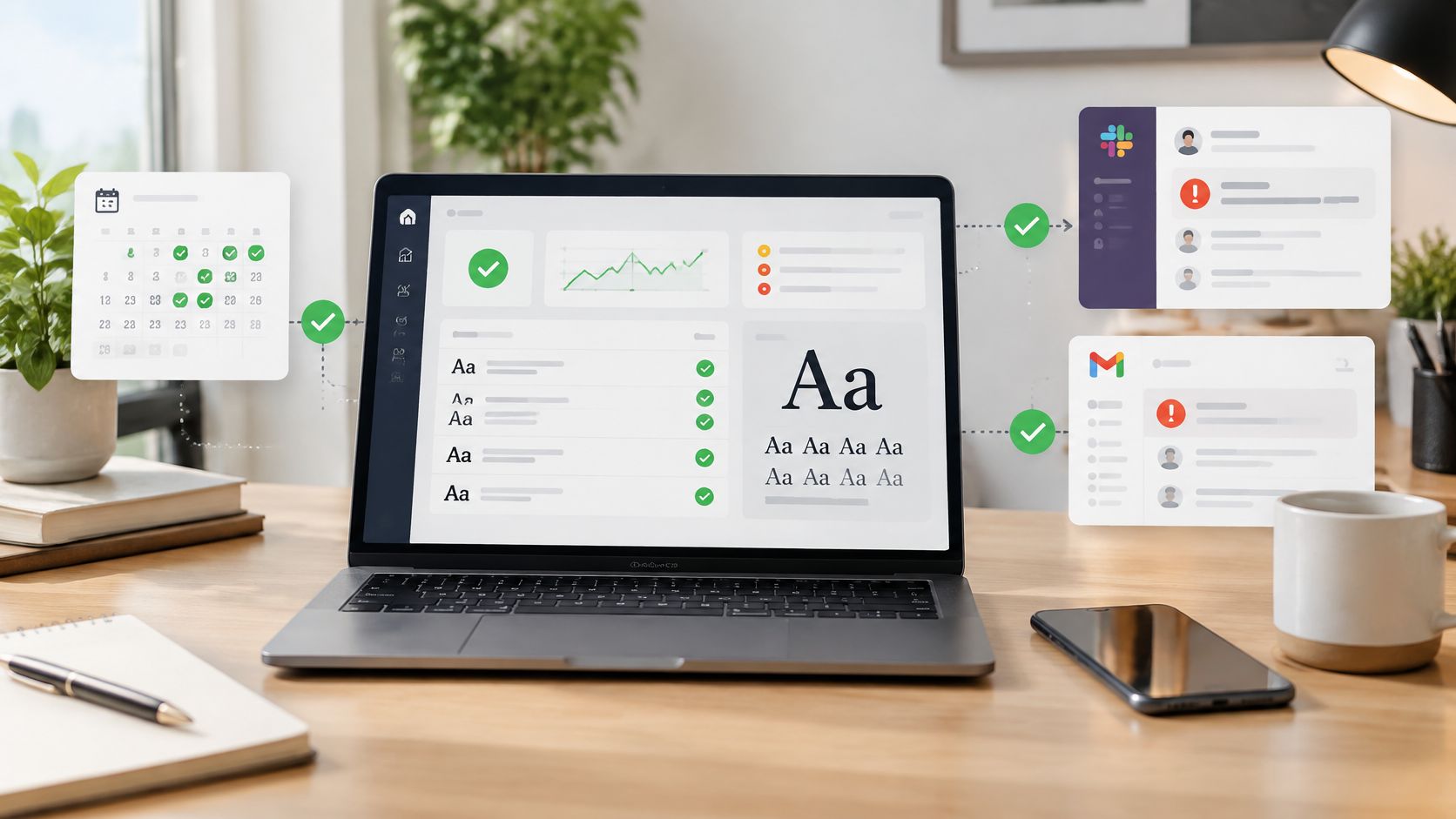
You can have a solid policy library and still fail an audit if nobody can produce the proof behind it. That's the trap many organizations run into, the access review happened, the vendor check happened, the control owner signed off, but the evidence is scattered across inboxes, shared drives, screenshots, and half-finished spreadsheets when someone finally asks for it. Compliance documentation only works when it connects the rule, the action, the evidence, and the timestamp into one defensible trail, and this article is informational, not legal advice.
What Compliance Documentation Means
A team I reviewed once had a polished policy set, a clean org chart, and a well-written risk register. What they could not show was the part the auditor asked for, proof that the control ran when it was supposed to run. That gap cost the team days of scramble time because the documents described intent, but the evidence chain did not prove execution.
Compliance documentation is the system behind the system. It includes the policy that defines the rule, the procedure that explains the workflow, the evidence that shows the workflow happened, and the audit trail that ties those pieces together. In practice, that means version history, approval records, logs, screenshots, signed attestations, and retention controls, not just a folder full of PDFs.
Why auditors and buyers care about the same file set
Auditors look for proof that a control existed, operated, and left a reliable record. Commercial teams look for the same thing when a customer asks for due diligence, especially when they want to know whether security, privacy, or operational controls are real or just documented.
That pressure shows up fast during audit season. The access review happened, the vendor check happened, the control owner signed off, but the evidence sat across inboxes, shared drives, screenshots, and half-finished spreadsheets when someone finally asked for it. A missing chain does not stay internal for long. The same record set can determine whether a regulator accepts the control and whether a buyer trusts the response package.
BrightDefense reports that some organizations lost revenue or competitive bids because they could not provide sufficient compliance evidence, which is a reminder that evidence quality affects sales as much as it affects audit outcomes, as reported in its 2026 compilation of compliance statistics. If your team is trying to understand how typography fits into that risk picture, the internal guide on fonts as a compliance risk is a useful companion read.
Practical rule: If a document does not show who did what, when they did it, and what proof exists, it is a draft, not defensible compliance documentation.
A good working definition is simple. If a regulator, customer, or procurement team asked for the record tomorrow, could your team show the control's design, execution, and evidence without rewriting the story from memory? If the answer is no, the documentation is not finished yet.
The Seven Questions Every Control Description Must Answer
A control description only holds up when it answers the questions an auditor, buyer, or regulator will ask. If it says “we review access quarterly” but leaves out the workflow, the owner, and the proof, it reads like a policy note instead of defensible compliance documentation.
Start with the control itself
The first question is what the control does. Reviewers need to know whether it prevents an issue, detects it, or does both. Without that, no one can judge whether the evidence matches the risk the control is meant to address.
The second question is how it works. That means the system, the workflow, the trigger, and the output. A quarterly access review should identify the IAM report used, the population reviewed, and the approval path used to close exceptions.
The third and fourth questions are who executes it and when it happens. If the control belongs to IT, finance, or operations, the owner should be named. If it runs monthly, quarterly, or on event, that cadence should be explicit, because auditors check whether the evidence matches the stated frequency across the records they sample.
Show the evidence, not the promise
The fifth question is what evidence the control generates. The strongest evidence examples are concrete, system-based, and searchable, like system logs with retention periods, approval tickets with ticket numbers, reports with naming and location conventions, screenshots with timestamps, and signed documents with document IDs. A guide by Logical Commander Software on audit readiness makes the same point in practical terms, control descriptions only work when the proof can be traced back to the action.
The sixth question is how effectiveness is tested. That can mean a walkthrough, a sample review, a reconciliation check, or a supervisory sign-off, but the method has to fit the control's risk and the jurisdiction that will review it. A control written for one framework may still need different evidence packaging for another, especially when legal, privacy, and retention rules do not line up cleanly. If the workflow uses automation, the record also has to show what the system did, what a person reviewed, and where the exception handling lives. For font-related control work, the practical guidance in how to avoid paying thousands of euros in fines for a single font is a useful reminder that a weak paper trail can become an expensive problem.
A control that can't be tested clearly usually wasn't described clearly.
The seventh question is whether it is implemented now. Auditors do not stop at the policy language. They look for the current version, the active owner, and the latest evidence set, and commercial due diligence teams look for the same things before they trust a response package.
A practical template looks like this:
- What it does: Review privileged access for inactive or excessive accounts.
- How it works: Export the user list, compare it to approved access requests, and record exceptions.
- Who executes it: The named control owner in IT or operations.
- When it happens: On the stated cadence, with no skipped period.
- What evidence it generates: Ticket numbers, logs, screenshots, and sign-off records.
- How effectiveness is tested: Reperformance or independent review of a sample.
- Whether it's implemented: Current evidence attached and version controlled.
A control description also has to survive conflicting requirements across jurisdictions. One framework may want the evidence retained in a specific folder structure, while another cares more about immutable timestamps or review sign-off. The document has to make those differences visible instead of pretending one template fits every review path. That is where folder structure planning matters, not as decoration, but as a way to keep evidence retrievable when the ask comes from legal, audit, or a buyer's diligence team.

The Time Cost of Compliance Documentation
The burden is no longer theoretical. Vanta reports that professionals now spend an average of 9.5 hours per week on compliance-related tasks, up from 8.1 hours in 2023, which works out to roughly 11 full working weeks per year (Vanta compliance statistics). That time goes into document creation, versioning, evidence gathering, and audit readiness, the same activities that tend to spike right before an audit or customer review.
Where automation helps, and where it doesn't
The same source says organizations believe they could save three to five hours per week through automation, and more than 4.5 hours weekly by automating monitoring and audit-evidence collection specifically. That time is usually recovered in repetitive gathering, recurring checks, and report assembly. Automation works best when the input is structured and the output can be traced back to a source record without ambiguity.
It breaks down when the record has to show judgment. If software fills in a log, classifies an exception, or summarizes a review, someone still has to verify that the output is complete, attributable, and timestamped. Teams get into trouble when they automate the draft and then treat the draft as the evidence.
What works: recurring scans, exportable reports, alerting, and evidence capture.
What doesn't: treating auto-generated output as self-validating proof.
For teams handling font usage specifically, the internal guide on avoiding fines tied to a single font is a useful reminder that documentation failures can turn into real cost events, not abstract compliance issues.
The operating trade-off
Vanta also reports that 51% of organizations cite cybersecurity as a top compliance priority and 51% cite data protection and privacy as another top priority (Vanta compliance statistics). That matters because documentation now has to prove control effectiveness across overlapping regimes, not just satisfy one department's checklist.
The practical rule is simple. Automate evidence collection, but keep human review on anything that changes legal meaning, control scope, or exception handling. If someone outside the original workflow cannot reconstruct the evidence later, the automation is too opaque.
A useful resource for operational audit preparation is the guide by Logical Commander Software, especially for teams trying to tighten evidence handling without turning the process into a manual fire drill.

Font Licensing Compliance and Documentation Requirements
Font licensing is one of those compliance areas people ignore until a legal review lands on their desk. The key issue is simple, webfont use is not the same as desktop use. The UK Office of Fair Trading case against Monotype found that licenses for installing fonts on computers and using fonts on websites were sold separately, with desktop licenses starting around £22.50 per font and web licenses starting around £30.00 per font. That means a desktop purchase doesn't automatically cover live-site use.
Why assumptions fail in font compliance
A common mistake is treating a purchased font file as if it came with broad reuse rights. It usually doesn't. If the license says it covers installation on devices, that's a desktop question. If the font appears on a website, the license scope has to support that use separately.
Open-source fonts are not a blank check either. Adobe's open-source font guidance explains that even “open source” font software can still require separate trademark or font-name permissions in some cases, and the SIL Open Font License 1.1 prohibits selling the fonts by themselves and allows bundling only under the license conditions. So a font may be redistributable and still not unrestricted for every commercial use.
What needs to be documented
Compliance teams should record the exact license tier, the foundry attribution, the deployment context, and any restrictions on reuse. They should also keep evidence that the live implementation matches the license terms, because the thing that matters in review is not whether the asset was bought once, but whether the current use still fits the grant.
A simple comparison helps:
- Web fonts: document live URLs, the license scope for web delivery, and any page or subscription restrictions.
- Desktop fonts: document installation counts, device coverage, and any limits on internal or client use.
- Open-source fonts: document the license text, bundling conditions, and any trademark or naming constraints.
How automated review fits
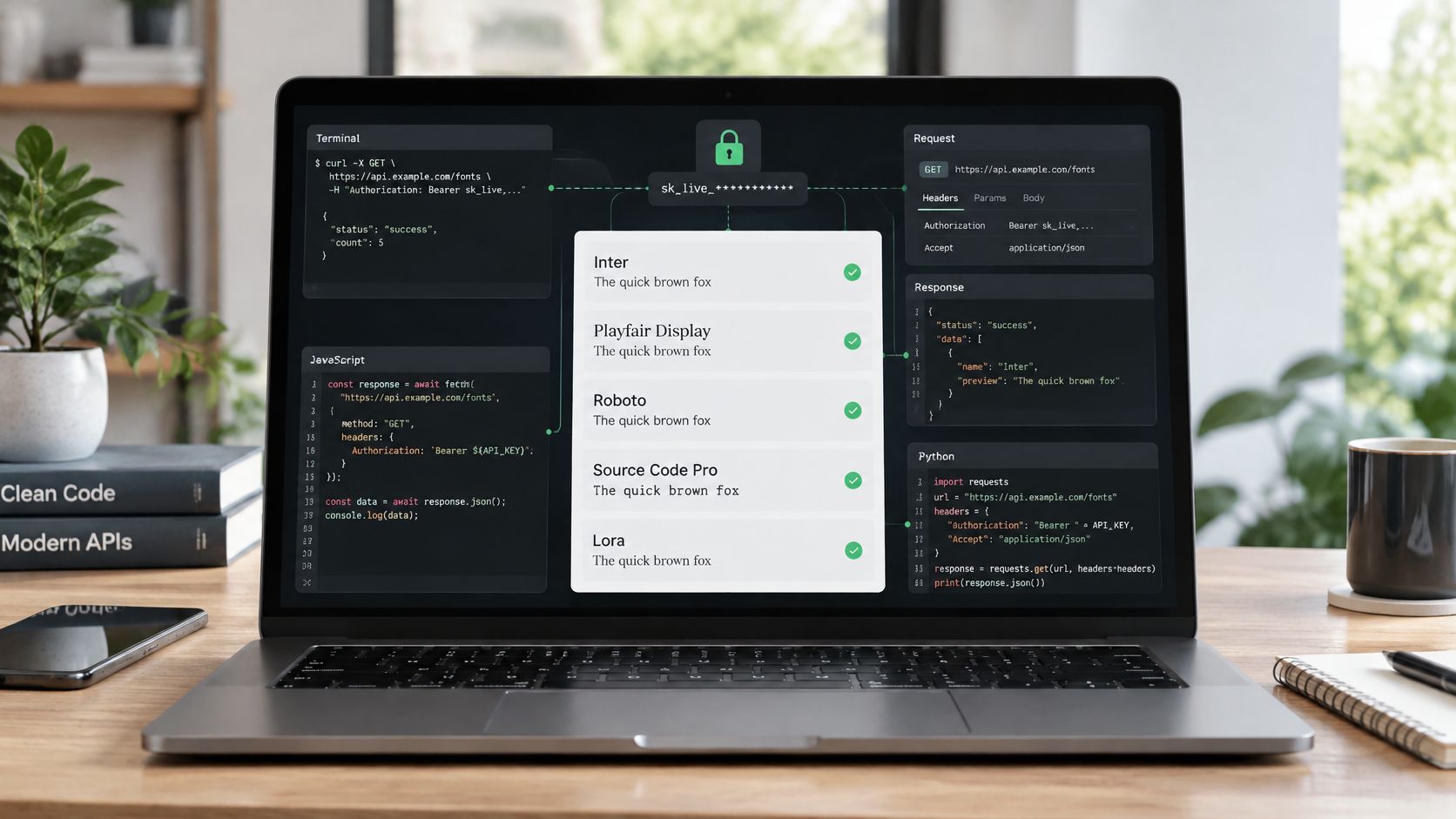
Font Checker Pro can be useful as one part of the process. It scans live URLs, identifies the fonts in use, and generates exportable records that help teams track foundries, license tiers, and possible unlicensed usage. It's still not a substitute for legal review, but it does give teams a repeatable evidence trail when typography has to be defended.
For designers and developers, the internal guide on font licensing in 2026 is a practical reference when the same family is reused across sites, mockups, and client handoff files.
Managing Documentation Across Multiple Frameworks and Jurisdictions
The hardest documentation problems are rarely about writing a single policy. They come from reconciling overlapping obligations into one evidence set that still holds up under review. That gets harder when one team answers to security, privacy, product, procurement, and local retention rules at the same time.
One control, three versions, no source of truth
In multinational environments, the same control often appears in three different forms. A policy may live in one repository, the procedure in another, and the operational evidence in a third. If nobody defines the source of truth, the team ends up defending whichever version happened to be updated last.
Audit pressure changes the work. Teams are often maintaining records for more than one review cycle, and many organizations are also pursuing more than one framework at once, which is why centralized control and evidence management keeps becoming more important.
That combination changes the job. Teams are not just writing records for one auditor. They are building a defensible evidence set that can be reused across frameworks without drifting out of sync.
What works across borders
The practical answer is control mapping. Each control should link back to the risk it addresses, the framework requirement it satisfies, and the evidence that proves execution. If the same control supports two regimes, that is fine, but the documentation must show how the evidence maps without forcing reviewers to guess.
Commercial due diligence puts the same pressure on the file. Organizations that cannot provide sufficient compliance evidence can lose revenue or bids, so the documentation package has to work for regulators and buyers at the same time.
Practical rule: if the same control is described differently in each framework folder, the team does not have a multi-framework program, it has three competing versions of the truth.
A control map only works if the evidence behind it is consistent. That means the team has to check whether a record was created by a person, assembled by automation, or summarized by a workflow, then confirm that the underlying source material still supports the control. A record that looks clean can still fail if the audit trail is thin. For a closer look at that trade-off, see manual checks versus automatic font scanning, which illustrates why a review step still matters even when the first pass is automated.
If you are choosing software support for that kind of control mapping, you can find the right SOC 2 platform as part of a broader documentation strategy. The tool matters less than whether the control owner, evidence owner, and reviewer are clearly assigned.
Evidence Quality in Automated and AI-Assisted Workflows
Automation can speed up documentation, but it can also create a false sense of certainty. A machine-generated summary looks clean, a filled-in log looks complete, and a workflow-generated record looks official. None of that matters if the record can't be tied back to a reliable process and a human review step.
What auditors want from machine-generated records
Modern documentation practice still depends on records that are contemporaneous, attributable, complete, secure, and timestamped. That standard gets harder when software assembles part of the evidence, because then the team has to prove both the content and the process that produced it.
The question isn't whether automation can help. It can. The question is what metadata and review trail make the output defensible. If a system generates a report, the team should be able to show when it was generated, who reviewed it, what changed before approval, and where the final version lives.
A few practical validation steps hold up better than vague assurances:
- Record the generation event: capture date, time, and system identity.
- Show the review step: name the human reviewer and the approval path.
- Preserve the original output: keep the unedited version where policy allows.
- Keep change history: document edits between the draft and final record.
- Link evidence to the control: show how the automated output supports the control objective.
Why AI needs tighter supervision
The Drexel guidance on good documentation practices emphasizes traceability, legibility, and retention of records in forms that can survive audit review (Drexel documentation guidance). That matters even more when AI-assisted workflows are involved, because a polished summary can hide gaps in source data, missed exceptions, or an unclear approval chain.
If you're comparing manual review with scanning workflows, the internal guide on manual checks versus automatic font scanners is a useful model for thinking about verification, especially when the evidence itself is machine-produced.
The safest automation is the kind that leaves a trail a reviewer can reconstruct later without guessing.
One practical use case is font evidence collection. A scanning workflow can identify live usage and generate a report, but the compliance owner still needs to confirm the findings against the license file and deployment context. That's the difference between a helpful automation layer and a defensible control record.
Building Your Compliance Documentation System
A documentation system works only when it behaves like an operating process, not a filing project. The teams that keep theirs alive start by defining what must be covered, then assign ownership, then decide what counts as acceptable evidence. Once those choices are clear, folders, reports, and alerts stop feeling ad hoc and start serving the control.
A real system also has to handle conflicting requirements. One jurisdiction may care more about retention, another about approval traceability, while a commercial diligence review may focus on whether the evidence shows a consistent process. If you do not design for those differences early, the team ends up reworking the same record three different ways.
Start with inventory and ownership
Begin with the assets and controls that matter most. That includes fonts used across websites and applications, access controls, data handling procedures, license records, and recurring evidence that tends to disappear before review. If the team cannot name the asset, it will struggle to defend the documentation.
From there, assign RACI ownership. One person owns the record, one person approves the evidence, and one person handles the operational update. Without that split, the work falls into the usual gap where everyone assumes someone else saved the latest version.
Put the system into motion
In the first few days, collect the critical license documents, define fallback procedures, and set temporary controls where the permanent process is not ready yet. That keeps the team from improvising later, especially when an auditor asks how a gap was handled in real time. After that, fold recurring checks into the tools people already use, so evidence capture happens inside the workflow instead of after the fact.
A few implementation habits make a real difference:
- Use exportable formats: PDF for legal review, CSV for operations, JSON for automated checks.
- Tie evidence to change control: every update should leave a visible version trail.
- Set retention rules up front: records should survive the full review cycle, not just the current quarter.
- Trigger alerts on drift: if a license lapses or a control changes, the owner should know quickly.
- Keep the file structure predictable: if people cannot find it, they cannot defend it.
For teams building the repository itself, the internal guide on how to plan and build a folder structure can help turn scattered records into a usable evidence base.
Make the workflow auditable
A useful compliance stack should show who changed what, when it changed, and why it changed. The point is not storage alone, it is traceable maintenance across the life of the control. Superdocu compliance insights fit here because they focus on the record of action, not just the record itself.

If you are ready to stop chasing missing evidence and start running a process that holds up in review, visit Font Checker Pro and see how it scans live URLs, attributes foundries and license tiers, and produces exportable reports for legal, operations, and CI. It gives compliance teams a practical way to turn typography checks into documentation they can defend, instead of another loose file buried in a folder.