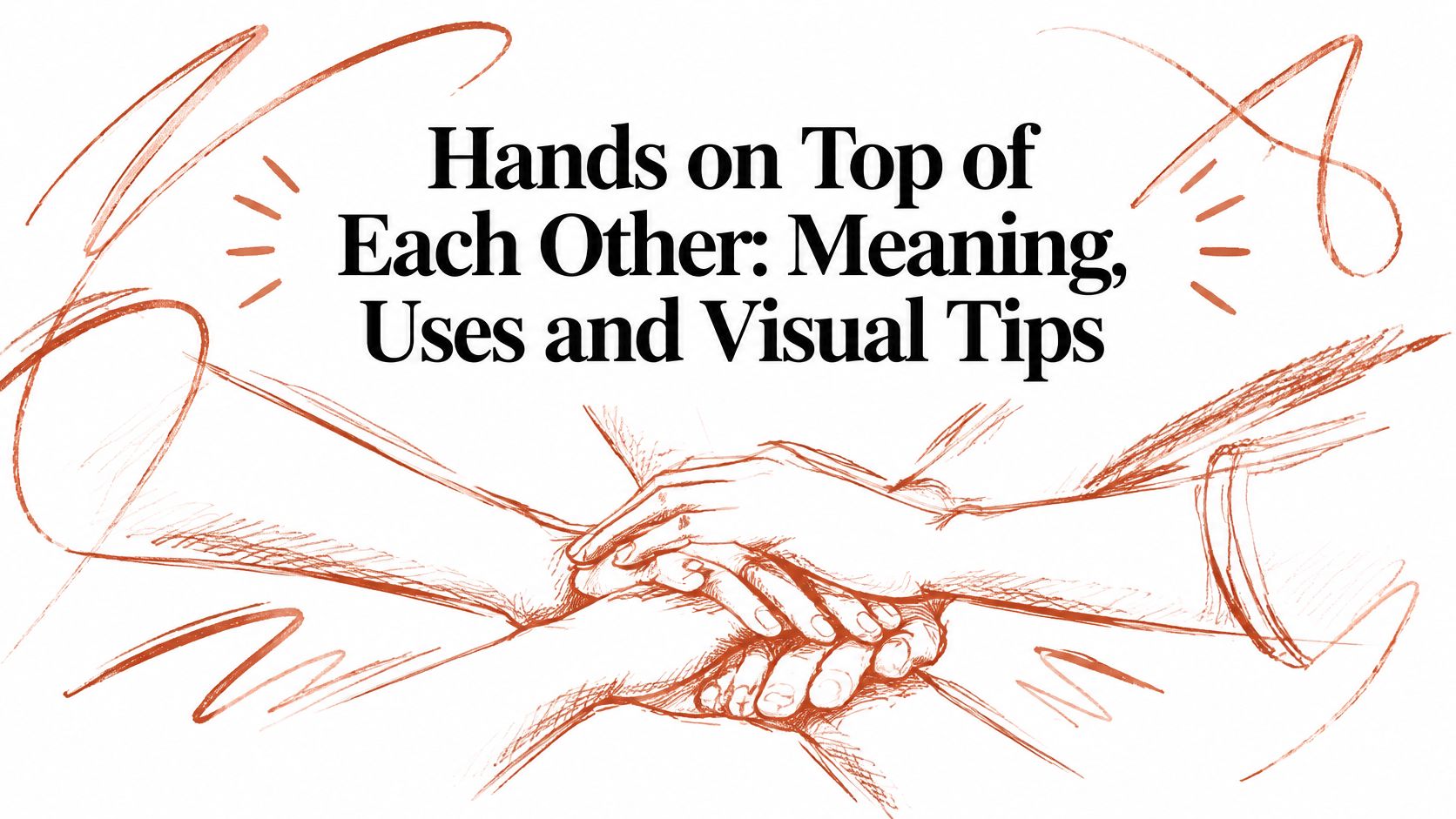
You're choosing a photo for a campaign, updating alt text, or trying to label a new asset in a crowded library. The image shows hands on top of each other, but the intended message isn't obvious: are the people showing solidarity, offering comfort, praying, or learning CPR?
That uncertainty matters. For designers, photographers, accessibility editors, and asset managers, the pose isn't a fixed symbol. Its meaning comes from the people, setting, framing, and visible action around it.
What the Phrase Means and Where It Comes From
A photographer may frame two hands resting together, a team stacking hands before a match, or a rescuer placing one hand over the other for chest compressions. Each image fits the phrase “hands on top of each other,” but the visible position serves a different purpose in each scene.
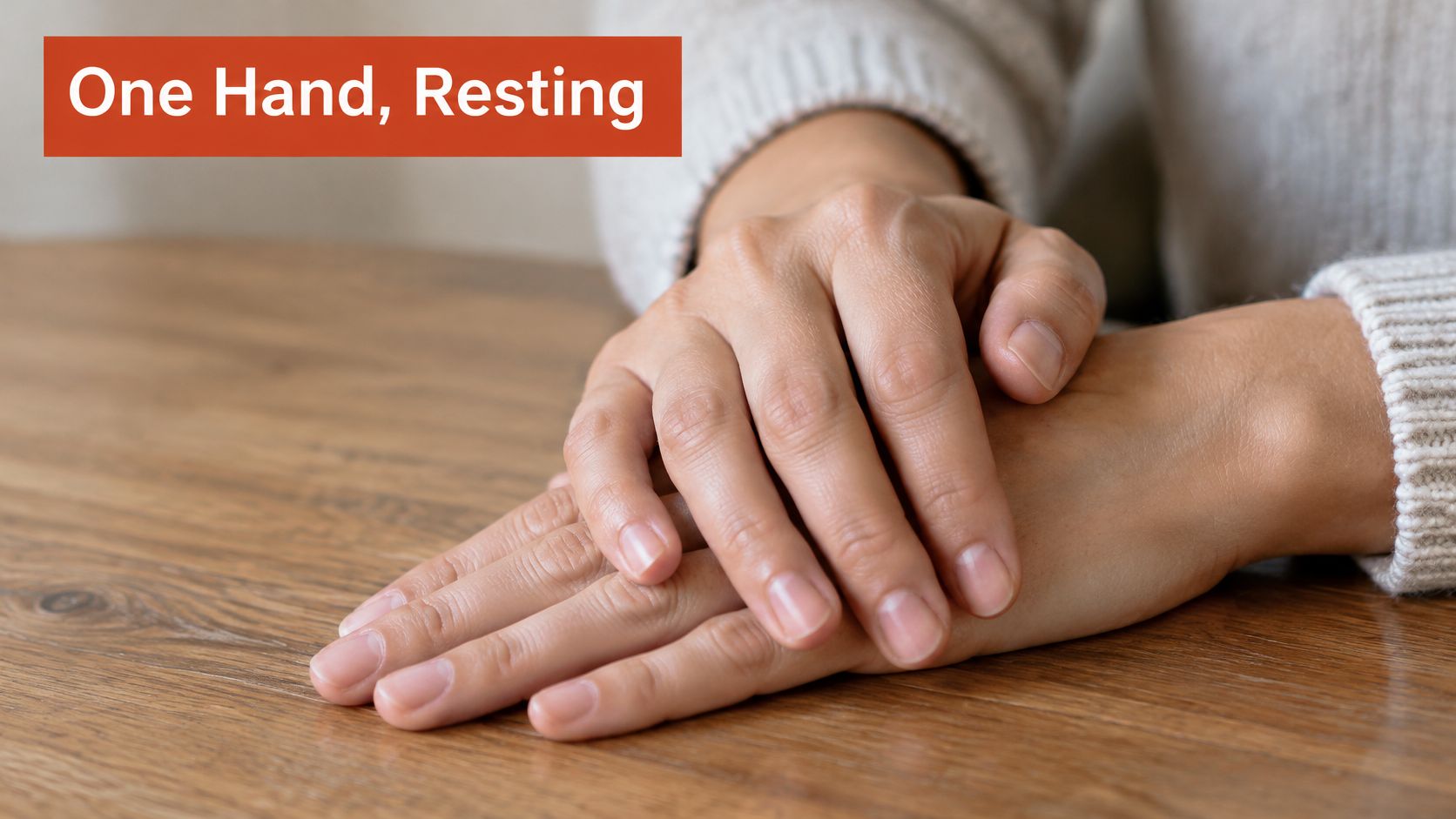
The phrase describes one hand resting on or over another. It can refer to a literal arrangement, such as palms pressed together or one hand covering another, as well as a group ritual or a technical hand position.
A gesture with more than one history
In South Asian traditions, the pressed-palm gesture is known as anjali mudra. It appears in Hindu, Buddhist, Jain, and Sikh contexts, where it can express reverence, offering, or respect. Buddhist and Hindu art depicts the gesture centuries before pressed-palm prayer became standardized in Western Christianity. The history of praying hands describes early Christian visual traditions that more often showed the orans posture, with arms raised and palms outward.
During the medieval period, Western Christianity increasingly adopted palms pressed together with fingers pointing upward. A feudal homage account connects the posture to a vassal placing joined hands between a lord's hands, a gesture later adapted to express submission to God. Joined hands make stillness and focused attention visible, though the gesture's name and meaning vary across traditions.
From ceremony to team ritual
In a team hand stack, participants place their hands one above another and raise them together. The group action can signal shared effort, coordination, morale, or responsibility. The people and activity in the frame help distinguish this ritual from a religious gesture or a technical hand position.
There is no single invention date for the team ritual. For image-makers, the practical task is to make the intended context legible through the people, setting, and action shown. Accessibility editors can describe the visible arrangement; asset managers can choose tags that identify the scene without assigning an emotion the image does not establish.
How Meaning Shifts With Setting and Relationship
| Setting | Usual reading | Check before publishing |
|---|---|---|
| Religious prayer or greeting, such as anjali mudra or pressed palms | Reverence, respect, or devotion | Is the image a religious subject or a decorative pose? |
| Team hand stack before a game or shift | Unity, shared goal, and morale | Are the people visibly peers, and does the moment look voluntary? |
| CPR compressions with stacked hands | Clinical technique rather than emotion | Does the image show correct hand geometry in a training or emergency context? |
| One hand covering another in a handshake | Warmth, trust, or attempted control | Do both people appear to have equal roles, and does the touch look mutual? |
| One partner's hand resting over the other's | Affection, reassurance, or dominance | What do the relationship cues, height difference, and facial expressions suggest? |
| Accidental or idle resting position | No intended meaning | Does the caption need to prevent viewers from reading intent into it? |
The hand position alone rarely settles the meaning. Relationship, setting, consent, and local norms do most of the interpretive work. A review of body-language claims cautions against treating the upper hand as a universal sign of dominance. It describes reported differences in couples' hand positions by gender and relative height, including a greater likelihood of men's hands being on top and taller or equally tall men being more likely to have the upper hand than shorter men. The discussion of holding hands in body language is a reminder to avoid turning a single pose into a personality test.
Compare the whole frame, not just the hands
Consider a corporate stock image of a team stack. If the people look like peers, their hands enter together, and the frame includes a shared workspace or team clothing, viewers are more likely to read unity. Keep the camera at a level that doesn't make one person loom, and use a caption that names the team activity.
Now put an obvious manager's hand on top while the other people look down or stand back. The same stack may read as hierarchy, even if the intended message is “we're in this together.” The image hasn't changed its basic gesture, but the relationship cues have changed the story.
Cultural interpretation also varies. Gestures that look identical can mean different things across societies, while a shared meaning may be expressed through different gestures. For a global campaign, ask colleagues familiar with the intended markets to review the pose rather than assuming one reading travels everywhere.
Practical rule: If the intended meaning can't be seen in the frame, add a clarifying caption or choose a different image.
Hand Stacking in CPR Chest Compressions
A stacked pair of hands on a bare chest reads nothing like a team huddle. Viewers who recognise first aid see the same geometry and decode a different message: someone is keeping a heart going. The clearest proof that this pose borrows its meaning from its setting.
The CPR hand stack is a technical posture with a precise geometry. The heel of one hand goes on the centre of the chest, over the lower half or lower third of the sternum, and the second hand rests directly on top.
| Parameter | Guideline for adults | Why it matters |
|---|---|---|
| Hand placement | Heel of one hand on the lower half or lower third of the sternum, second hand directly on top | Concentrates force through the heel rather than the ribs |
| Compression rate | 100 to 120 per minute | Supports circulation while allowing chest recoil |
| Compression depth | At least 5 cm and no more than 6 cm | Shallow compressions reduce perfusion; excessive depth raises injury risk |
| Arm position | Straight arms, shoulders vertically above the chest | Turns body weight into vertical compression rather than shear |
| Chest recoil | Complete recoil after every compression | Lets the chest refill before the next compression |
| Pauses | Minimal, with no leaning between compressions | Helps keep the stacked contact stable and force consistent |
Rate, depth and recoil figures in this table follow adult CPR guidance.
With the rescuer's arms straight and shoulders vertically above the chest, force travels through the shoulders and wrists into the sternum rather than pushing sideways. Each parameter works like a gear in the same machine: the rate sets the rhythm, the depth moves blood forward, and full recoil lets the chest refill before the next cycle begins.
Placement matters. Hands set too high can make compressions less effective. Hands too low raise the possibility of regurgitation or injury to organs beneath the chest. The adult chest-compression guideline reports better physiological measures, including arterial pressure and end-tidal carbon dioxide, with compressions over the lower third of the sternum than over the middle sternum, while overall resuscitation outcomes did not differ in the cited studies.
What the image needs to show
Interlock the fingers or position the hands so pressure stays concentrated through the heel, not the ribs. That stabilises the stack and prevents force from spreading laterally. A photo that shows crossed fingers, bent wrists or hands resting on the ribs may look dramatic, yet it depicts the wrong technique.
Keep the elbows locked, pauses minimal and no leaning between compressions. For visual editors, the phrase "second hand on top" describes the bilateral contact geometry that creates a stable compression interface. Before approving a training graphic or stock image, check hand placement and rescuer posture together: locked elbows, vertical shoulders, heel centred on the sternum.
Treat this as general orientation for reading and approving images. Certified CPR training and a call to local emergency services remain the right response in a real emergency.
Photographing and Designing the Pose Inclusively
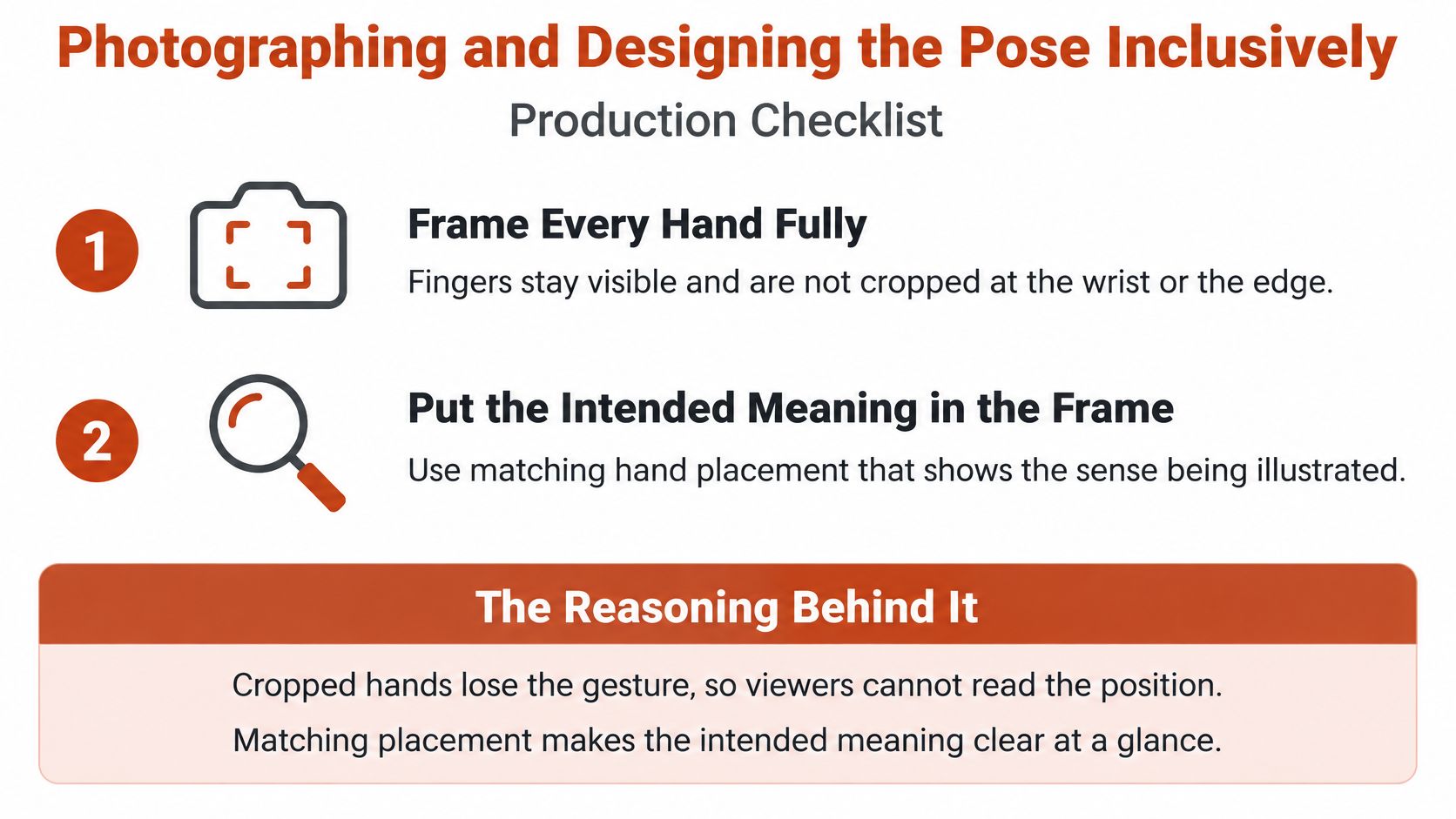
Use this production checklist before the shoot or image approval:
- Frame every hand fully. Keep fingers visible, and don't crop hands at the wrist or frame edge.
- Make the intended meaning visible. Matching uniforms or sleeves can support a team reading; a neutral background can keep a generic gesture from suggesting an unplanned story.
- Set camera height deliberately. Eye level tends to feel equal, a slightly high angle can suit a team looking up, and a low angle can make one person loom.
- Separate the top hand from the bottom one. Use side light to show texture and edges instead of a flat overlap.
- Check contrast. If the hands have different skin tones, review the image at phone size to confirm both remain clear.
- Capture the moment, not a forced hold. A brief team stack often looks more natural than a prolonged pose.
- Make a no-contact version. Photograph hands beside one another, raised fists, or a prop-based alternative in the same session.
Comfort belongs in the production brief
A neat composition isn't worth making someone uncomfortable. Ergonomics guidance identifies awkward posture, repetitive motion, static positioning, and forceful exertion as contributors to musculoskeletal risk. It also notes that restricted heights and awkward body positions can increase risk during stacking tasks. On set, avoid making people reach across a bench or stool just to complete the pose.
A group hand stack should be brief and voluntary. Some people may have hand pain, arthritis, sensory sensitivities, skin conditions, mobility limitations, or cultural or religious boundaries around touch. Offer a visible alternative instead of requiring people to explain why they don't want to join in. The ergonomics discussion of workplace hand-stack risks and alternatives supports treating body position and access as part of the image-making decision, not an afterthought.
For generated or commissioned campaign visuals, representation also needs a deliberate check. A resource on broadening representation in generated visuals can help teams consider who appears in the image and what the pose might imply. When the selected image enters a shared library, record its context, approved uses, and any no-contact alternatives in the brand team's digital asset library.
Writing Alt Text and Stock Tags for the Pose
| Image use | Alt text example | Tags to add |
|---|---|---|
| Team hand stack in a sports photo | Five athletes in matching jerseys stack their hands at the centre of a huddle before a game | team huddle, sports teamwork, group hands, sportsmanship |
| Religious prayer pose | Close-up of two palms pressed together with fingers pointing up in front of a stone altar | prayer hands, anjali mudra, reverence, devotion |
| CPR training image | Instructor's hands stacked on a training manikin's chest with straight arms | CPR training, chest compressions, first aid, emergency care |
| Couple's hand-over-hand photo | Two people's hands overlap on a wooden table, one hand resting on top of the other | couple, affection, hands together, relationship |
| Decorative studio image | Two hands stacked on a plain white background with relaxed fingers | studio, minimal, hands, gesture, background |
| Accidental or idle resting shot | Two hands rest one over the other on a desk beside a laptop | office, desk, hands, workplace, resting |
Alt text should describe what someone can see, not the feeling a designer hopes to convey. Name the visible people, setting, and action when they add useful context. The phrase “hands on top of each other” can work as a search term, but on its own it doesn't tell a screen reader user what's happening in the scene.
Keep most alt text to about 125 characters or fewer. If the page needs extra context, put it in the caption. When stacked hands are merely decorative and nearby text already provides the relevant meaning, an empty alt attribute may be the right choice. Avoid pre-deciding the viewer's response: “unity” tells someone what to feel, while a description of the participants and their action leaves room for their own interpretation.
“Describe the scene before assigning it a message.”
Keep tags specific and consistent
Use three tag layers so people can search by what's visible, what's happening, and how the asset might be used:
- Literal tags describe the content: hands, palms, stacked, two people.
- Contextual tags identify the scene: team huddle, CPR training, prayer.
- Usage tags describe the intended application: campaign, workplace, healthcare training.
Aim for 8 to 12 useful tags per asset, rather than adding every synonym. Record the cultural setting where known, along with whether model releases and consent records exist. A consistent vocabulary across the library helps colleagues find similar images without guessing which wording another person chose. For teams building prompts or image descriptions, this practical guide to how to describe pictures for AI offers a useful starting point for naming visible details.
Choosing the Pose and Clearing Its Licences
A stacked-hands photo can read as unity in one layout and as a chain of command in another. Choose the image that fits the situation rather than asking one gesture to communicate everything. For teamwork, use a stack with visibly equal roles, an eye-level camera, and a caption tied to the team's activity. For health training, choose a clinical CPR image with accurate hand placement and a clear training label.
For a mixed or global audience, a neutral or no-contact pose may communicate participation without relying on a gesture that needs local interpretation. Test it with colleagues familiar with the target markets. If the setting, relationship, or consent is not confirmed, avoid assigning the image a couple or religious meaning.
Before approval, write the intended meaning in one line. Then compare the frame, alt text, and tags against that sentence. If one element points to a different story, change the image or its description, not the audience.
Check type permissions separately
A photo or model release clears the people in the frame; it does not clear the typography placed over the image. Web-font and desktop-font permissions are separate, so a campaign layout needs the right font permission for each use.
| Usage | Licence position | Count or limit |
|---|---|---|
| Web use via Adobe embed code | Browser display on desktop and mobile when the supplied embed code is used | Use the supplied embed code; app embedding needs different rights |
| Self-hosted web fonts | Separate web licence from the foundry or an authorized reseller | Typically priced by monthly page-view tier |
| Desktop use | Design documents and embedded copies for viewing and printing | Typically licensed by authorized-user count |
| App embedding | Requires an application licence separate from web use | Separate application licence required |
| Standalone distribution | Portions of licensed fonts may not be distributed on their own | No independently reusable font file |
Adobe's font-licensing guidance distinguishes browser use through its supplied embed code from self-hosting, which needs a separate licence. It also states that web-font permissions do not authorize embedding fonts in desktop or mobile applications. Web licences may be based on monthly page views, while desktop licences may be based on authorized users, as described in Fort Foundry's licence terms.
Open licences have conditions too. The SIL Open Font Licence requires retaining the copyright notice and licence with redistributed copies, restricts reserved font names for derivatives, and does not allow selling the font software by itself. Desktop embedding covers documents you create; a reusable template needs its own licence. Adobe's enterprise terms also restrict making licensed font software independently extractable.
For image rights, run the release check beside the type check: confirm the licence scope, model releases, consent records, and intended placements with a practical reference on licensing photos for commercial use. Keep the caption, alt text, tags, model release, and font licence record together, and use this practical guide to digital asset compliance to make the handoff easier to audit. Font Checker Pro can scan a live URL, Figma file, PDF, image, or zipped font set, then return an exportable report with detected typefaces and licence details for the team's review.
Use Font Checker Pro to audit the typography in campaign pages and assets, check licence scope, and keep a record for handoff. Visit Font Checker Pro to review how its font checks can fit your team's workflow.