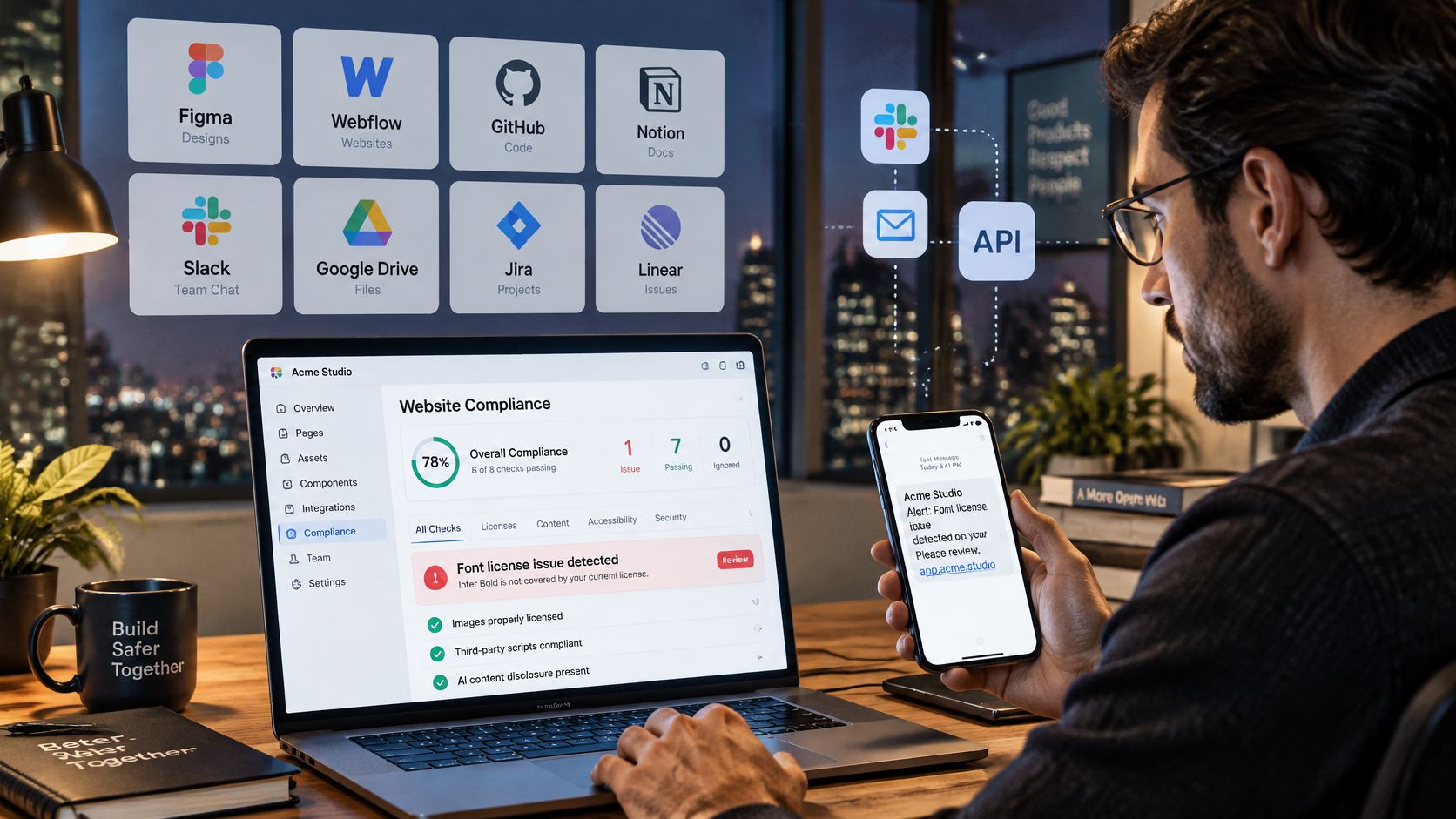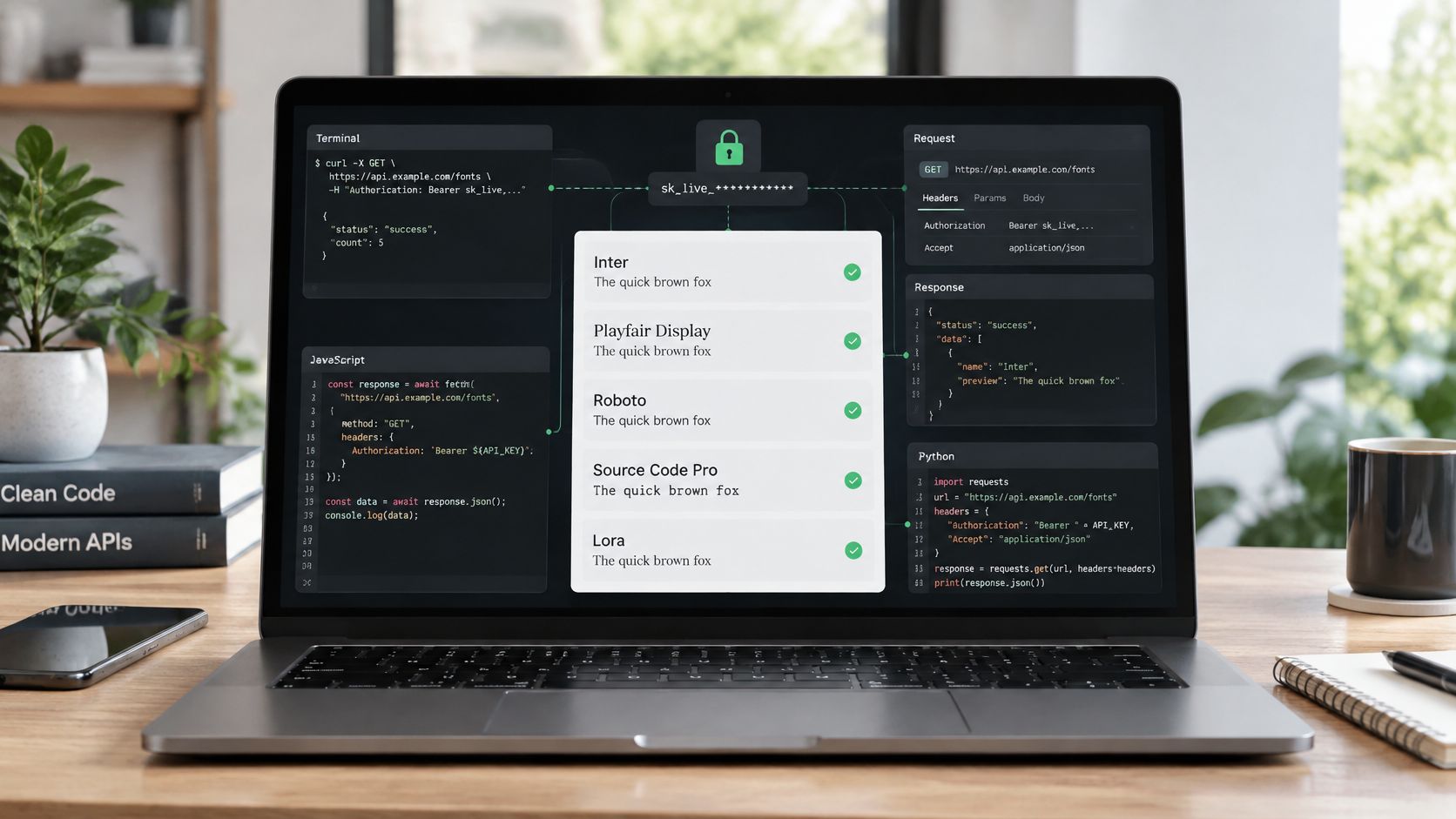
You're wiring a font audit into a release workflow, and the first request returns successfully. That feels like the hard part is over, until someone asks which account owns the report, whether the scan completed, and whether the detected fonts are licensed for the app you're shipping.
A useful REST API call example needs to answer those questions, not just print JSON. The integration below separates request construction, authorization, error handling, and licensing review. The licensing guidance and scan output are informational, not legal advice.
Confirm API Access on Your Plan Before You Build
Check your account's plan before writing production code. Our REST API is included from the Pro tier and is available on Pro and Enterprise plans. You can compare access on the pricing page; the API supports keys, REST endpoints, scopes, and month-to-date usage tracking.
Keep the initial test deliberately small. Billing is by scan rather than by seat, so a careless loop can consume scans while producing reports nobody reviews. A successful integration needs both a technical result and an understandable record of what ran.
Prepare a controlled test
- Confirm access. Verify that the account you'll use includes REST API access, rather than assuming another team member's subscription covers it.
- Create a test key. Generate the key in the dashboard and select only the scopes the integration requires.
- Store the secret. Put it in an environment variable named
FCP_API_KEY, not directly in the script. - Choose an owned target. Start with a page you control and can inspect manually.
- Check usage. Compare month-to-date usage before and after the initial request.
- Delay scheduling. I'd require a clean week of supervised test runs before enabling a recurring production job.
Acceptance rule: A successful test produces a completed report that another teammate can trace to its target, account, and execution time.
Test each target type your workflow will use. A live-page request doesn't establish that document uploads or image processing are configured correctly.
If account access is unclear, visitors can send us a message without an account and receive a reply by email, or sign in to open a tracked ticket. Resolve the account question before generating additional credentials.
A Working curl Request You Can Run Today
Use this command once you've populated FCP_SCAN_ENDPOINT with the complete HTTPS scan endpoint from the help center's API reference, including its base URL and endpoint path. Set FCP_TARGET_URL to a page you own and FCP_API_KEY to your test key.
curl \
  --request POST \
  --url "${FCP_SCAN_ENDPOINT:?Set the documented scan endpoint}" \
  --header "Authorization: Bearer ${FCP_API_KEY:?Set your API key}" \
  --header "Content-Type: application/json" \
  --header "Accept: application/json" \
  --data "{\"url\":\"${FCP_TARGET_URL:?Set an owned page URL}\"}" \
  --dump-header scan-headers.txt \
  --output scan-response.json \
  --write-out 'HTTP %{http_code}\n'
The endpoint and payload contract must come from the API reference. The exact base URL, endpoint path, and request schema aren't established here, so this is a runnable request template, not a claim that an undocumented route exists. The url payload key illustrates the intended structure; confirm its spelling against the documented contract before sending.
The POST method expresses the submission action. The URI identifies the receiving resource. Headers carry the bearer credential and representation formats. The body supplies the scan target.
Understand the request boundary
REST requests are stateless, so each call must carry the information needed to process it, including its authorization context. Statelessness doesn't mean the service forgets stored reports or account ownership.
Fielding's dissertation describes REST as an architecture for scalable network-based software built around a uniform interface, resource identification, and independent client-server evolution. For the transport distinction, our explanation of which protocol REST APIs use separates the architectural style from the HTTP exchange.
The saved response might resemble this illustrative JSON, not a guaranteed API schema:
{
  "scan_id": "scan_demo",
  "status": "completed",
  "fonts": [
    {
      "family": "Illustrative Family",
      "foundry": "Illustrative Foundry",
      "license_tier": "web"
    }
  ],
  "timestamp": "illustrative-completion-timestamp"
}
The illustrative status value of completed is the application-level completion signal. A scan identifier alone only establishes that you have an identifier, not that processing has finished.
Verify before automating
- HTTP outcome. Confirm that the response has the intended successful status in the
2xxrange. - Representation. Check that the response
Content-Typeidentifies JSON. - Body integrity. Confirm that the saved body parses and contains the documented completion fields.
Keeping headers and body in separate files makes troubleshooting easier. An HTML gateway response shouldn't be mistaken for a malformed scan report, and a queued job shouldn't be mistaken for a finished audit.
Replace the environment values with your own credentials and target before running. Don't test against a client's live site without permission.
Authenticate Every Call With a Scoped API Key
A valid token isn't sufficient authorization. It establishes a calling identity or account context, but the server must still decide whether that caller may access the requested report, perform the action, and modify the submitted properties.
The distinction matters enough that the OWASP API Security Top 10 ranks broken object-level authorization first and broken object-property-level authorization third. Its object-level guidance calls for authorization checks wherever a function accesses data using a user-supplied identifier.
Test ownership rather than token presence
Consider this illustrative authorization test against /accounts/{id}. The path demonstrates a security pattern, not a documented scan endpoint.
| Caller | Requested resource | Expected behavior |
|---|---|---|
| Account owner with an appropriately scoped key | Their account resource | Successful authorized response |
| Another user with a valid key | The same account resource | Deliberate 403 or 404 |
| Freelancer with a valid personal key | A report owned by a client's separate account | Refused unless explicitly authorized |
A deliberate not-found response can conceal resource existence. A forbidden response can make permission troubleshooting clearer. Choose consistently according to the API's disclosure policy, rather than returning whichever error happens to emerge from the database.
Our API keys may not be shared across organizations. An agency integrating separate client organizations needs separate credentials and account contexts, not a shared agency-wide secret passed between projects.
Keep secrets and writable fields constrained
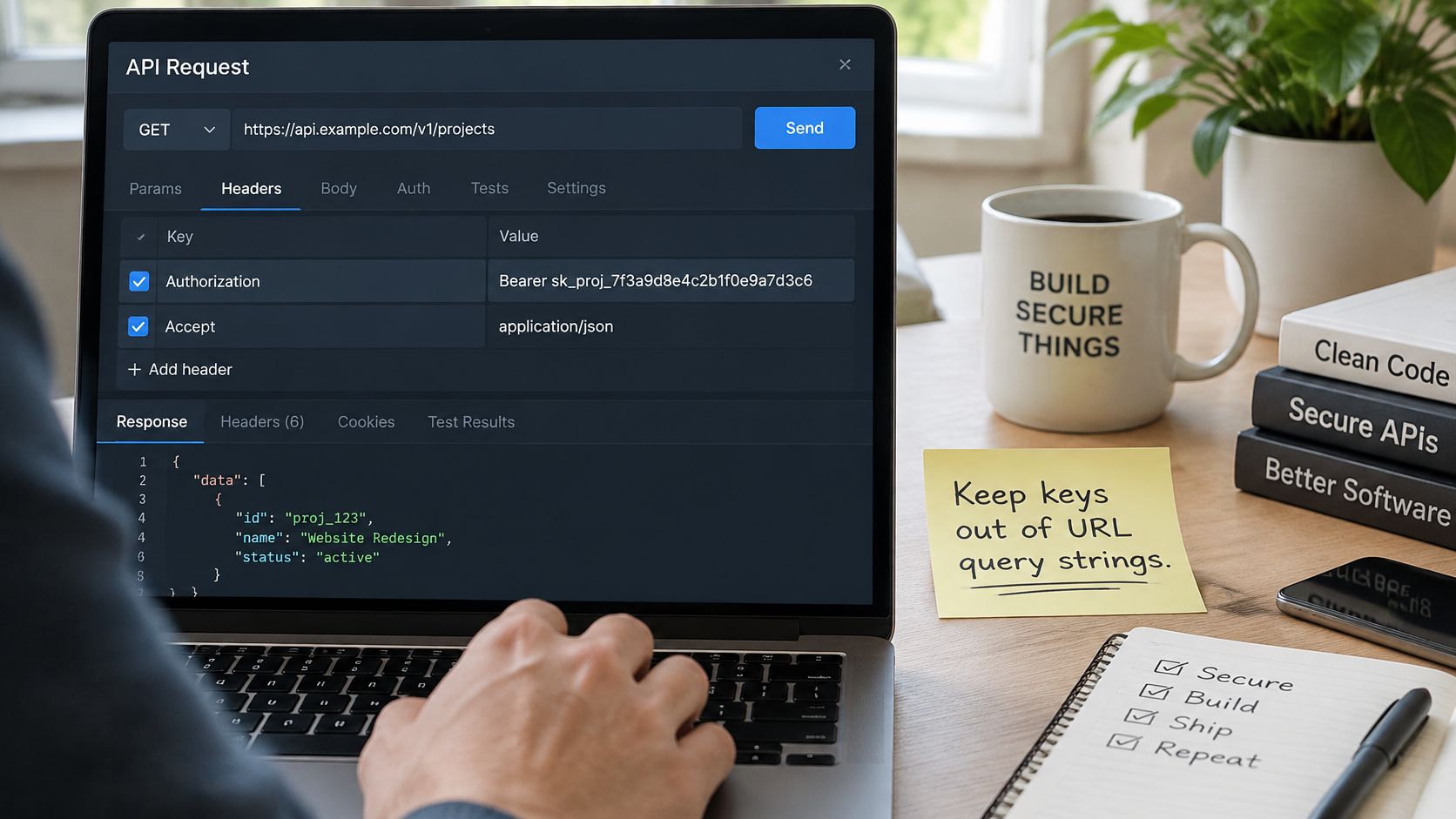
Send the credential as Authorization: Bearer YOUR_API_KEY. Keep it out of query strings, committed configuration files, and browser JavaScript delivered to visitors. Production calls belong in a server-side process with credentials supplied through protected CI environment variables or a secrets manager.
For updates, define an explicit writable-field allowlist. A caller permitted to change a report label shouldn't gain permission to change its owner, organization, or review status by adding unexpected JSON properties.
- Limit scope. Give the process the permissions its task requires, not every permission available.
- Validate ownership server-side. A hidden interface control or client-side check isn't an authorization boundary.
- Reject unexpected properties. Don't bind an arbitrary request body directly to a stored account or report object.
Rotate keys as a controlled deployment: create the replacement, store it securely, test a single request, and revoke the old key after verification. Keep credentials out of diagnostic logs during that test, including logs from failed requests.
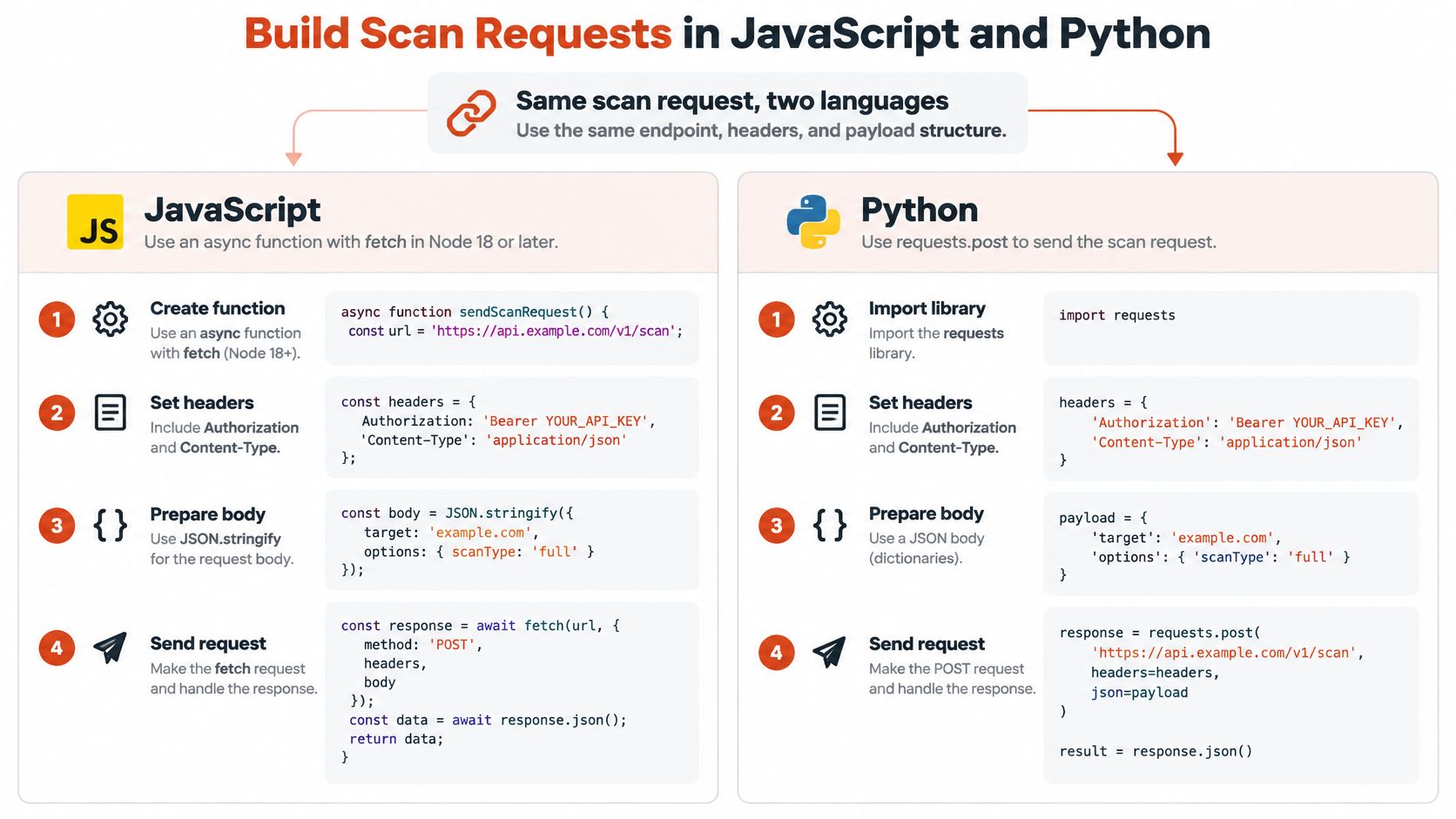
Build Scan Requests in JavaScript and Python
These examples use the same environment variables and illustrative url payload as the curl template. Confirm the endpoint and field names against the documented API contract before execution.
JavaScript with server-side fetch
This function is intended for Node 18 or later, not browser code shipped to visitors.
async function scanPage(target) {
  const endpoint = process.env.FCP_SCAN_ENDPOINT;
  const key = process.env.FCP_API_KEY;

  if (!endpoint || !key) {
    throw new Error("Missing endpoint or API key");
  }

  const page = new URL(target);
  if (page.protocol !== "https:") {
    throw new Error("Use an approved HTTPS target");
  }

  const response = await fetch(endpoint, {
    method: "POST",
    headers: {
      Authorization: `Bearer ${key}`,
      "Content-Type": "application/json",
      Accept: "application/json"
    },
    body: JSON.stringify({ url: page.href }),
    signal: AbortSignal.timeout(30000),
    redirect: "error"
  });

  if (!response.ok) {
    throw new Error(`Scan HTTP failure ${response.status}`);
  }

  const type = response.headers.get("content-type") || "";
  if (!type.toLowerCase().includes("application/json")) {
    throw new Error("Expected a JSON scan response");
  }

  return await response.json();
}
JSON.stringify serializes the request body. The timeout bounds local waiting, while redirect: "error" prevents this template from following an unexpected endpoint redirect.
Python with an explicit timeout
import os
from urllib.parse import urlsplit

import requests

def scan_page(target, session=None):
    endpoint = os.environ["FCP_SCAN_ENDPOINT"]
    key = os.environ["FCP_API_KEY"]

    page = urlsplit(target)
    if page.scheme != "https" or not page.hostname:
        raise ValueError("Use an approved HTTPS target")
    if page.username or page.password:
        raise ValueError("Target must not contain credentials")

    client = session if session is not None else requests

    try:
        response = client.post(
            endpoint,
            headers={
                "Authorization": f"Bearer {key}",
                "Content-Type": "application/json",
                "Accept": "application/json",
            },
            json={"url": target},
            timeout=30,
            allow_redirects=False,
        )
        response.raise_for_status()
    except requests.RequestException:
        raise

    if not 200 <= response.status_code < 300:
        raise RuntimeError("Unexpected non-success response")

    content_type = response.headers.get("Content-Type", "")
    if "application/json" not in content_type.lower():
        raise ValueError("Expected a JSON scan response")

    return response.json()

with requests.Session() as session:
    report = scan_page(
        os.environ["FCP_TARGET_URL"],
        session=session,
    )
Python's json parameter handles serialization; a reusable Session avoids rebuilding connection handling for every call. The explicit 30-second timeout is a configuration choice, not a promised scan duration or a strict end-to-end deadline. Scanning, queueing, and network delays all need room, and ending the local wait doesn't cancel server-side work.
Match handling to the target and export
Scan targets and the export that fits each
| Input | What the report shows | Export that fits |
|---|---|---|
| Live URL | Fonts loaded by the rendered page, including web font calls | JSON for CI, CSV for operations |
| PDF document | Fonts embedded in the file | PDF for legal review |
| Image | Top five font matches with confidence scores | JSON for CI |
| Zipped font set | Font files with foundry and license tier | CSV for operations |
These templates demonstrate live-URL submission. File targets need the documented upload mechanism, not a local filename inserted into the url field.
Parse JSON into an object for CI rules, write CSV as a file for operations, and save PDF responses as bytes for legal archives. Don't call a JSON parser on every export. Our font automation and CI/CD use cases explain how to assign those outputs to different workflows.
Validate target syntax before submission, then enforce an approved-host policy. Syntactic validity alone doesn't establish permission to scan, and a malformed or unauthorized target shouldn't reach the submission queue.
Handle Status Codes and Errors Before Parsing
Status codes, meaning and fix
| Status | Meaning | Fix |
|---|---|---|
| 200 OK | The endpoint returned a response | Follow the success checks in the curl example before using the body |
| 400 Bad Request | Malformed body or missing field | Correct the request; don't retry it unchanged |
| 401 Unauthorized | Key missing, invalid or revoked | Check the Authorization header and key status |
| 403 Forbidden | Key is valid but lacks access to this resource | Check the organization, scopes, and resource ownership |
| 404 Not Found | Wrong path or resource does not exist | Check the endpoint in the API reference |
| 429 Too Many Requests | Rate limit reached | Wait for Retry-After if present, then back off |
| 5xx Server Error | Server-side failure | Consider a bounded retry after checking duplication risk |
The HTTP semantics specification defines status codes from 100 through 599. The first digit identifies the class: 2xx indicates success, 3xx redirection, 4xx client errors, and 5xx server errors.
Separate transport success from HTTP success
JavaScript's fetch() resolves when response headers arrive, including for HTTP errors such as 404. Check response.ok or the endpoint's accepted status codes before treating the response body as a success payload.
Python's raise_for_status() catches HTTP error responses. Add an explicit accepted-status check when redirects or other responses are unsuitable. Parse an error body separately and defensively: gateways may return text or HTML instead of JSON.
Classify failures before choosing a fix:
- Network failure or timeout. Record an indeterminate outcome and investigate whether submission reached the service.
- Authentication or authorization failure. Repair the key, scopes, or resource ownership.
- Client validation error. Correct the payload rather than resending it unchanged.
- Rate limit or server failure. Decide whether a delayed retry is safe and appropriate.
Retry without multiplying scans
A bounded exponential-backoff schedule might wait 1, 2, and 4 seconds between attempts. These are example intervals, not service limits. Honor Retry-After when supplied, and don't automatically retry unchanged 400, 401, 403, or 404 requests.
A timed-out POST has an unknown outcome. It isn't proof that the server did nothing.
A repeated scan POST can create another scan. Check job state and month-to-date usage before repeating a submission that may already have run. Use idempotency protection only if the API explicitly documents it.
Log the endpoint path, HTTP status, timestamp, and available request identifier. Never log secrets. A useful audit trail for tracking failures and retries connects those events to their eventual reports.
For realistic integration testing, GoReplay's guide to testing APIs with real production traffic offers relevant context. Replay only sanitized, authorized traffic in a controlled environment, especially when requests can create billable work.
The Font Checker Pro help center has more than 120 articles covering guides, API reference, and fix snippets. For unresolved failures, include redacted diagnostics in a tracked support ticket.
Read Scan Results Without Overtrusting Them
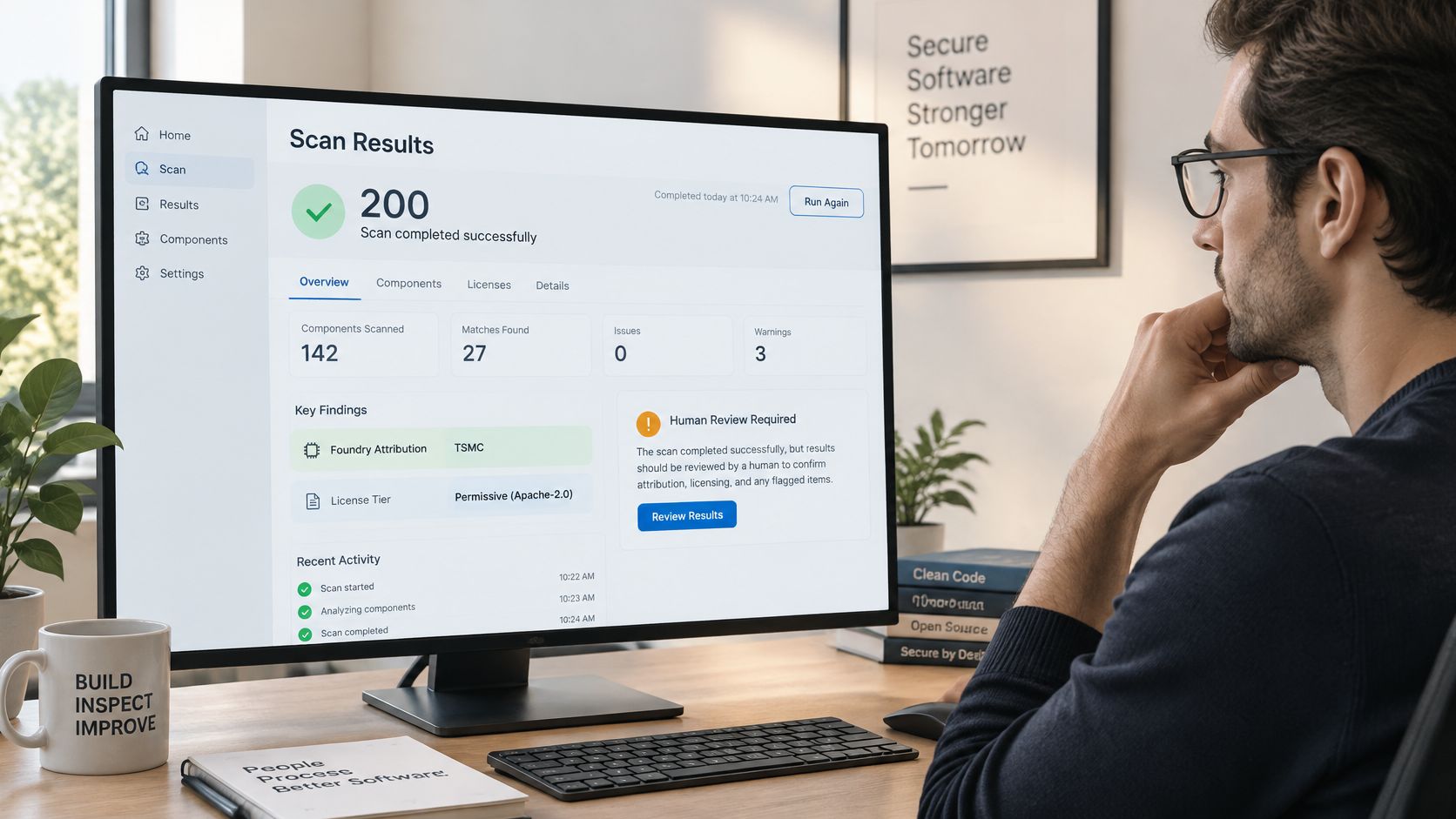
A 200 response confirms that the scan ran successfully under the endpoint's contract, not that every detected font is licensed. Engineering can validate completion automatically; licensing reviewers still need to compare the returned findings with actual permissions and the delivery channel.
Treat foundry attribution and license-tier labels as review inputs. Detection can identify what needs investigation, but it doesn't replace a purchase record, license agreement, or assessment of how your team distributes the font.
Check the rights for what you ship
Adobe's web-font licensing guidance distinguishes browser use on desktop or mobile from embedding fonts in desktop or mobile applications, which requires appropriate separate rights. A downloadable file isn't evidence that your app may redistribute it.
Document rights need their own check. Adobe's product-specific terms permit specified document embedding for printing and viewing subject to subsetting and protection requirements, and don't imply other embedding rights. Those are product-specific terms, not a universal rule for every foundry.
Fields that need human review
| Field | What to check | Action |
|---|---|---|
| Foundry attribution | Foundry named matches your license record | Confirm before relying on the report |
| License tier | Tier fits the delivery channel: web, desktop or app | Compare against the channel you ship in |
| Trial copy flag | Font is a trial version | Replace or license before production use |
| Expired rights | License term has ended | Renew, replace or remove |
| Self-hosted files | Font file served from your own server | Check web and desktop terms before publishing |
Preserve evidence and assign a decision
The financial exposure isn't merely theoretical: a 2026 legal-review article reports a $2 million claim in 2009 by Font Bureau against NBCUniversal, a $1.5 million lawsuit in 2011 by P22 Type Foundry concerning Cezanne use in Harry Potter merchandise, and a reported $3.5 million settlement in 2013 involving Chalet use across its network. These are reported claims and a settlement, not standard fines or predictions of liability.
Save the timestamped report alongside the relevant asset version and license records. Route flagged entries to a named reviewer, then record whether the team will license, replace, or remove each font. Preserve the reason for clearing a flag as well as the final decision.
An API-based font audit workflow should support that review, not automatically declare fonts safe. This content and scan output are informational, not legal advice; qualified counsel should review licensing decisions.
Font Checker Pro offers exportable typography reports and an audit trail that connect automated scans with human review. Visit Font Checker Pro to check API access, test a page you own, and build a reporting workflow your engineering and licensing teams can both use.